We’d like to remind Forumites to please avoid political debate on the Forum.
This is to keep it a safe and useful space for MoneySaving discussions. Threads that are – or become – political in nature may be removed in line with the Forum’s rules. Thank you for your understanding.
Very hot CPU on laptop.
Comments
-
Mobo at 87oC. Where is the sensor for this?
More importantly, how do I cool it. Wife asked what the noise was, before adding, "Oh, it's that bludy laptop again..."
Hmm, it's now calmed right down - fan purring quietly, and CPU temps in the middle 50's. What the?!
0 -
What other processes have you got running?
Let's Be Careful Out There0 -
When you removed the SSD and rebooted, the processor should not be hot it should be cool in fact it should be cold because it's not doing anything much.
You may have a motherboard problem
https://www.quora.com/Can-a-faulty-motherboard-cause-a-CPU-to-overheat
You could try booting Windows into safe mode but I suspect it will still be very hot
1 -
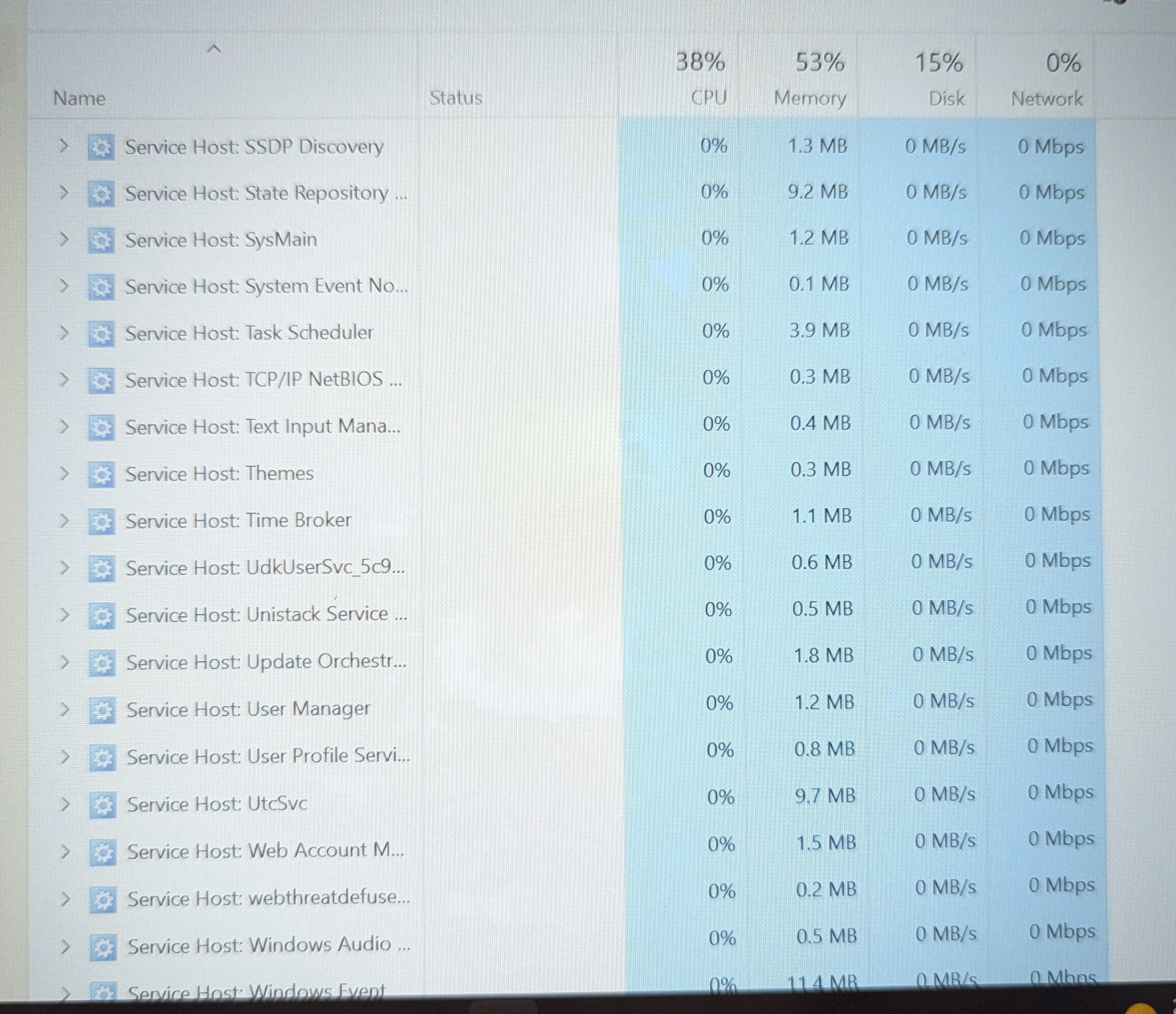
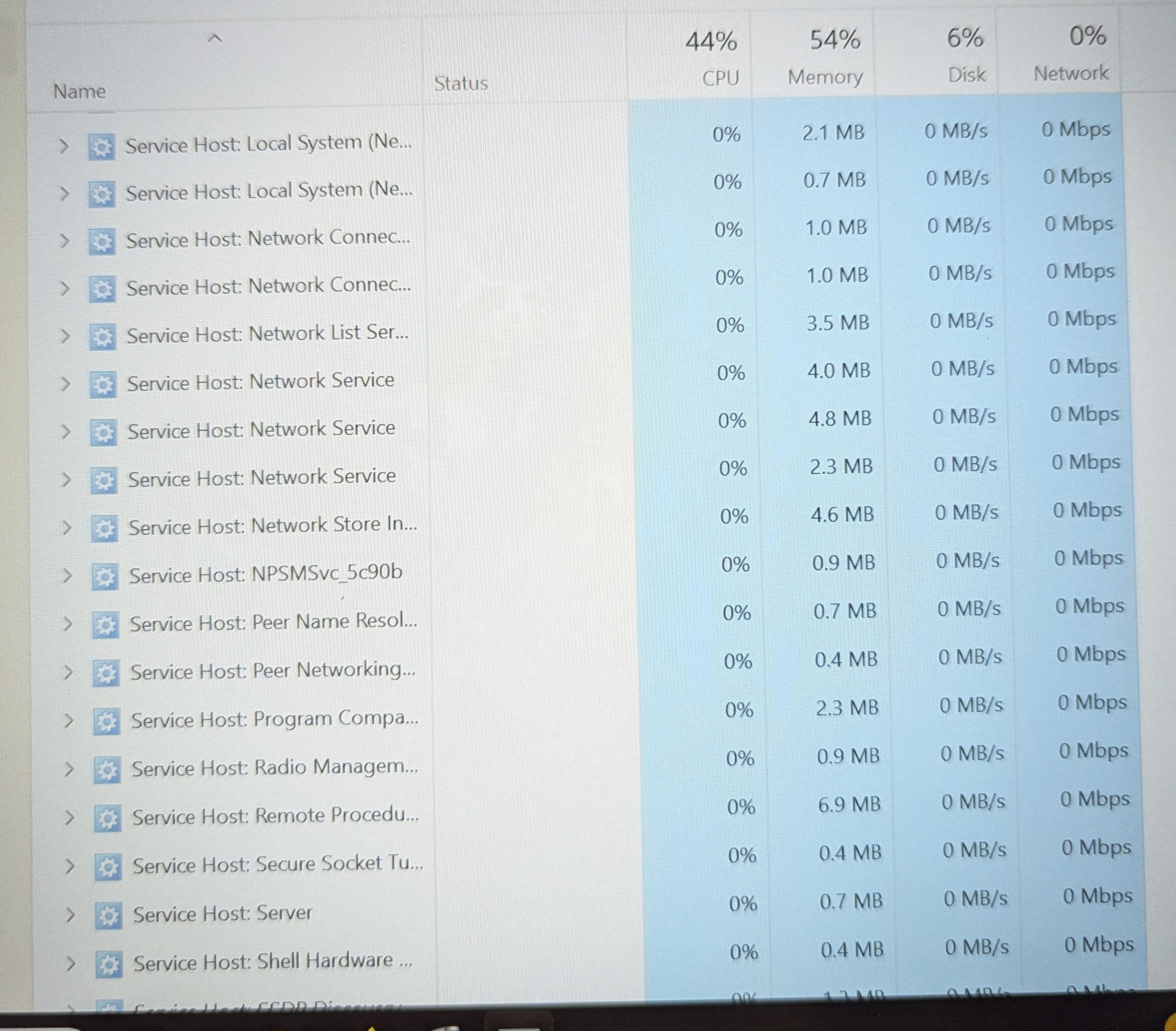
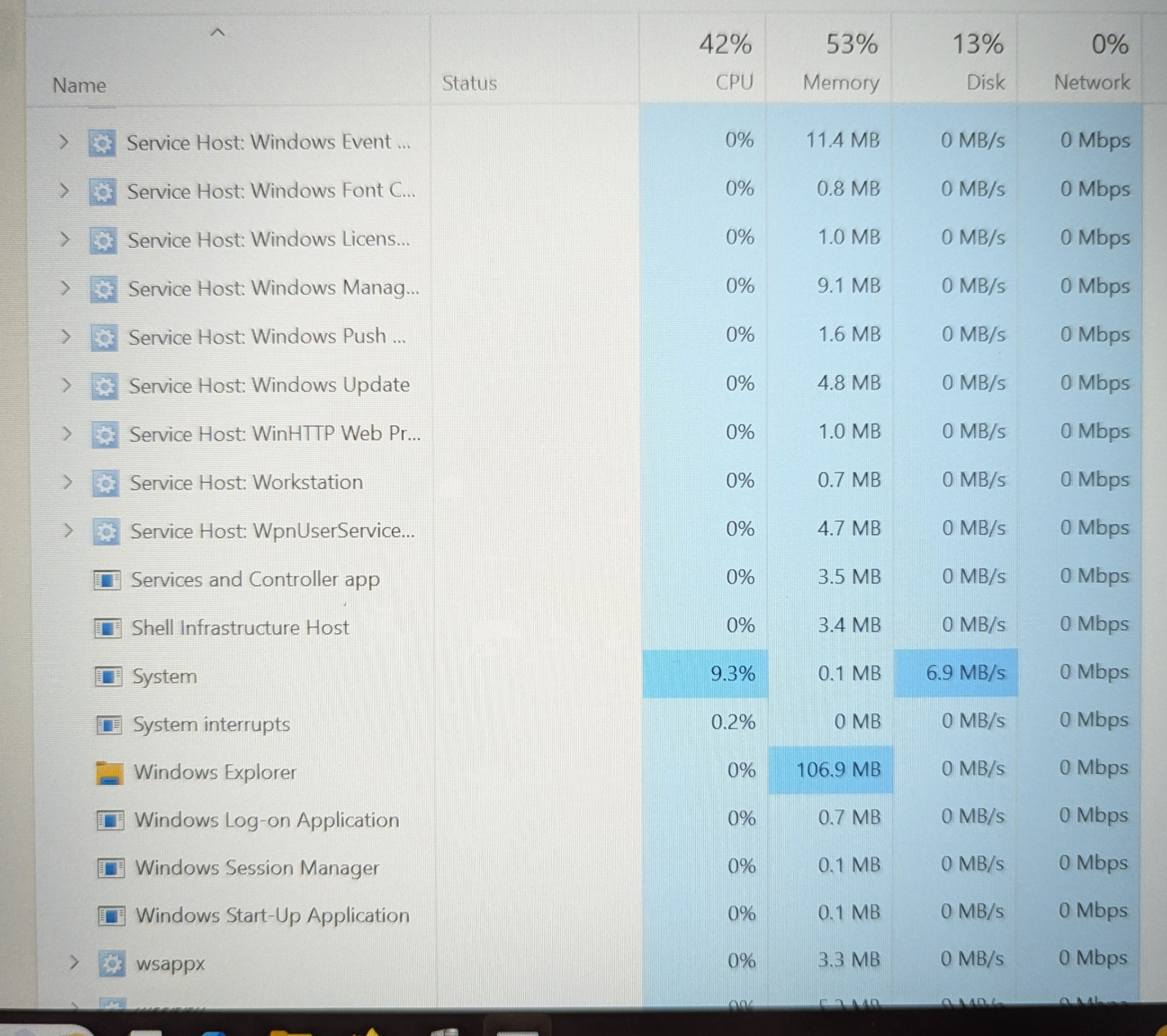
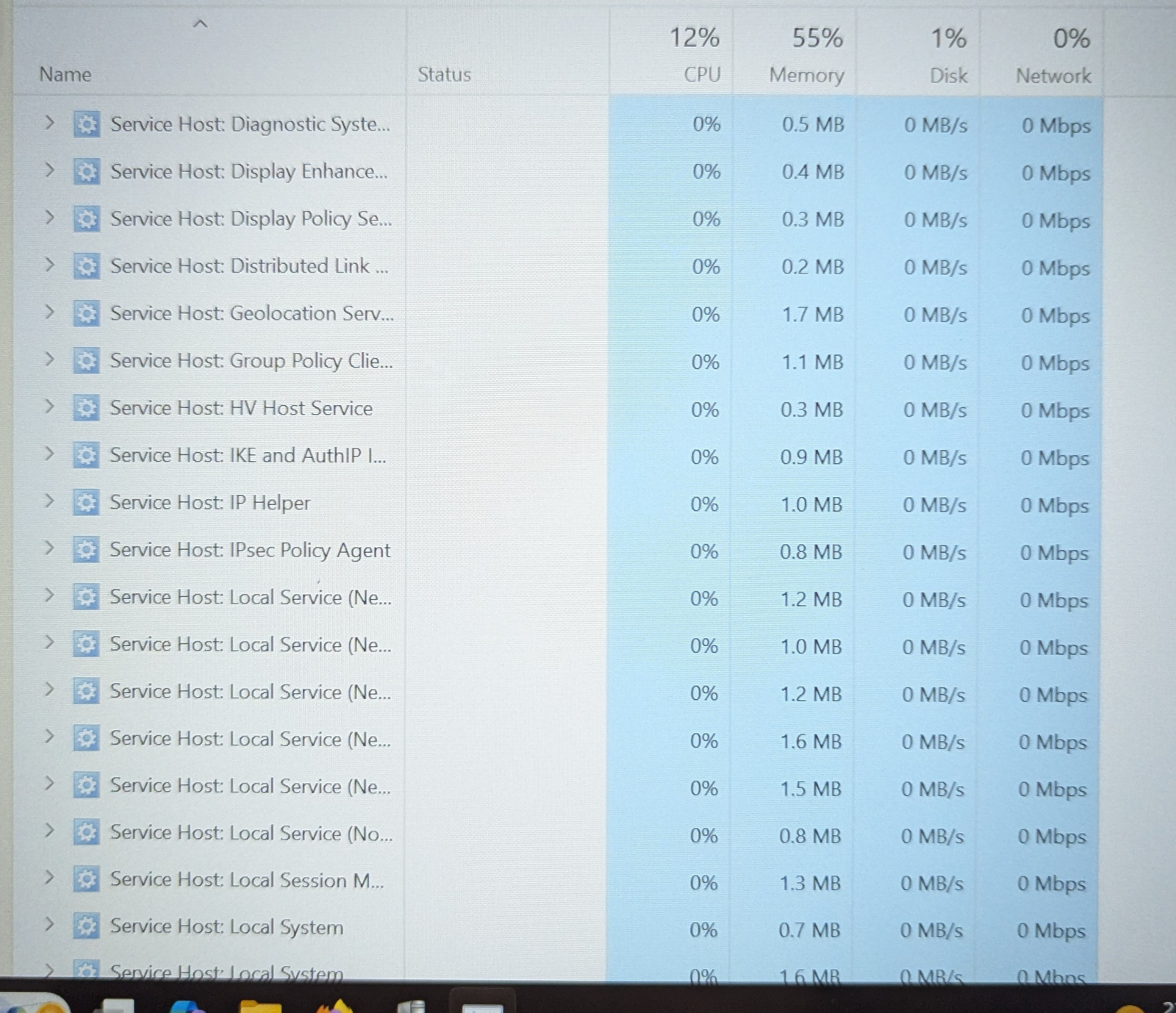
Apps, just a word file, and opened Firefox. (And Speccy)
It's now been on for the best part of an hour, and has calmed right down. CPU at 53, and mobo at 56.
Now and then the fan speeds up.again, and CPU hits 80+. Then returns to normal.
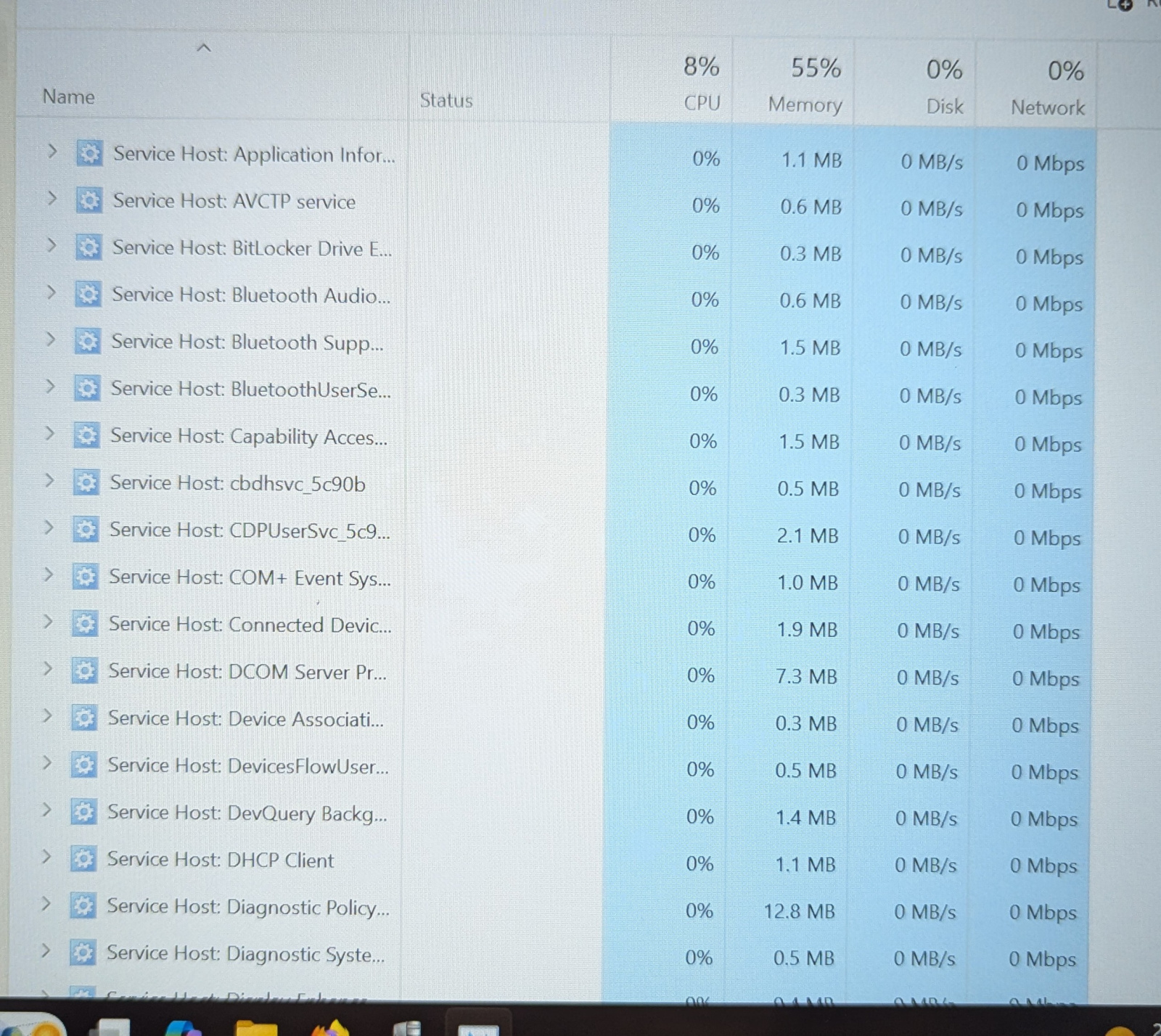
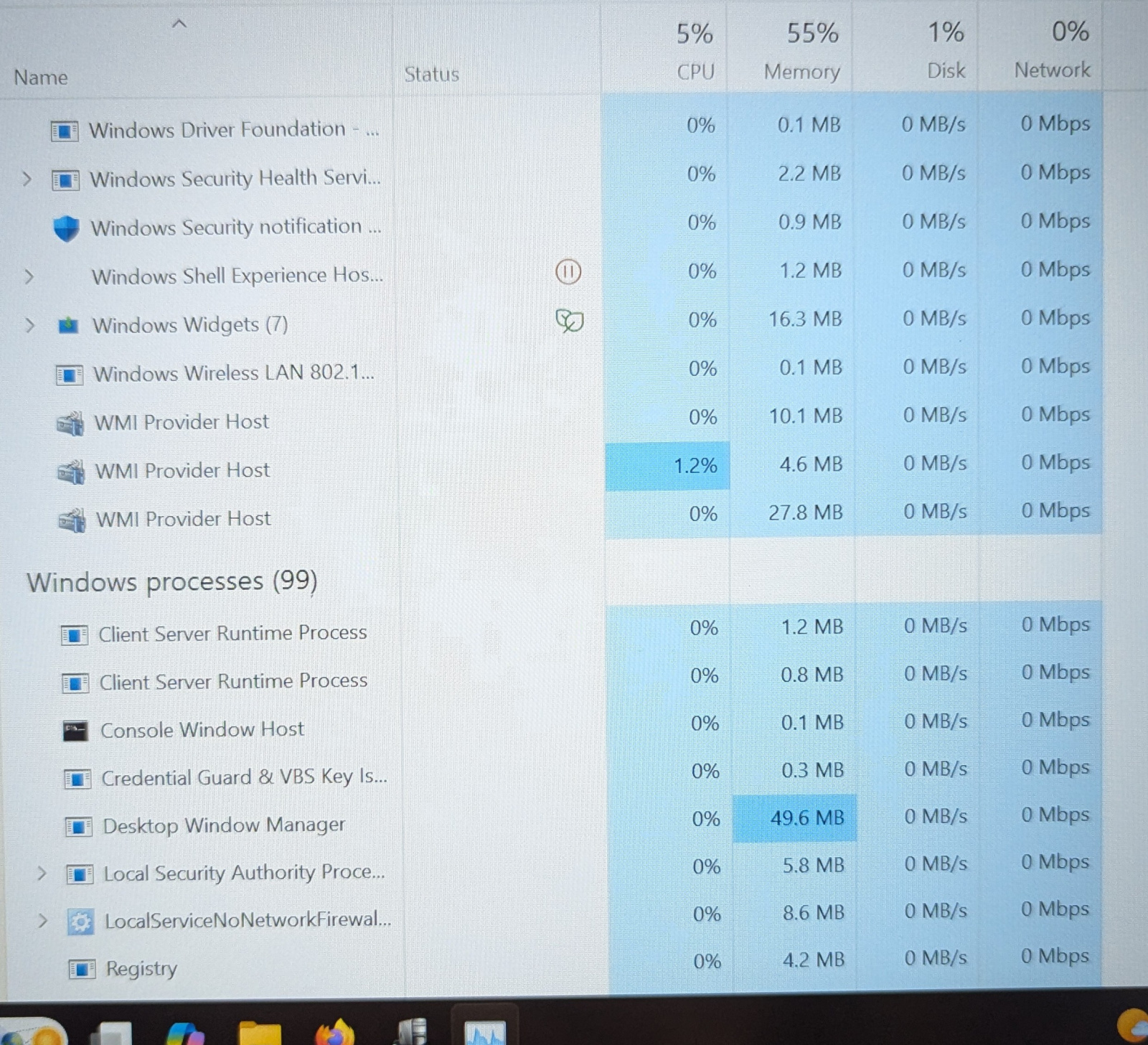
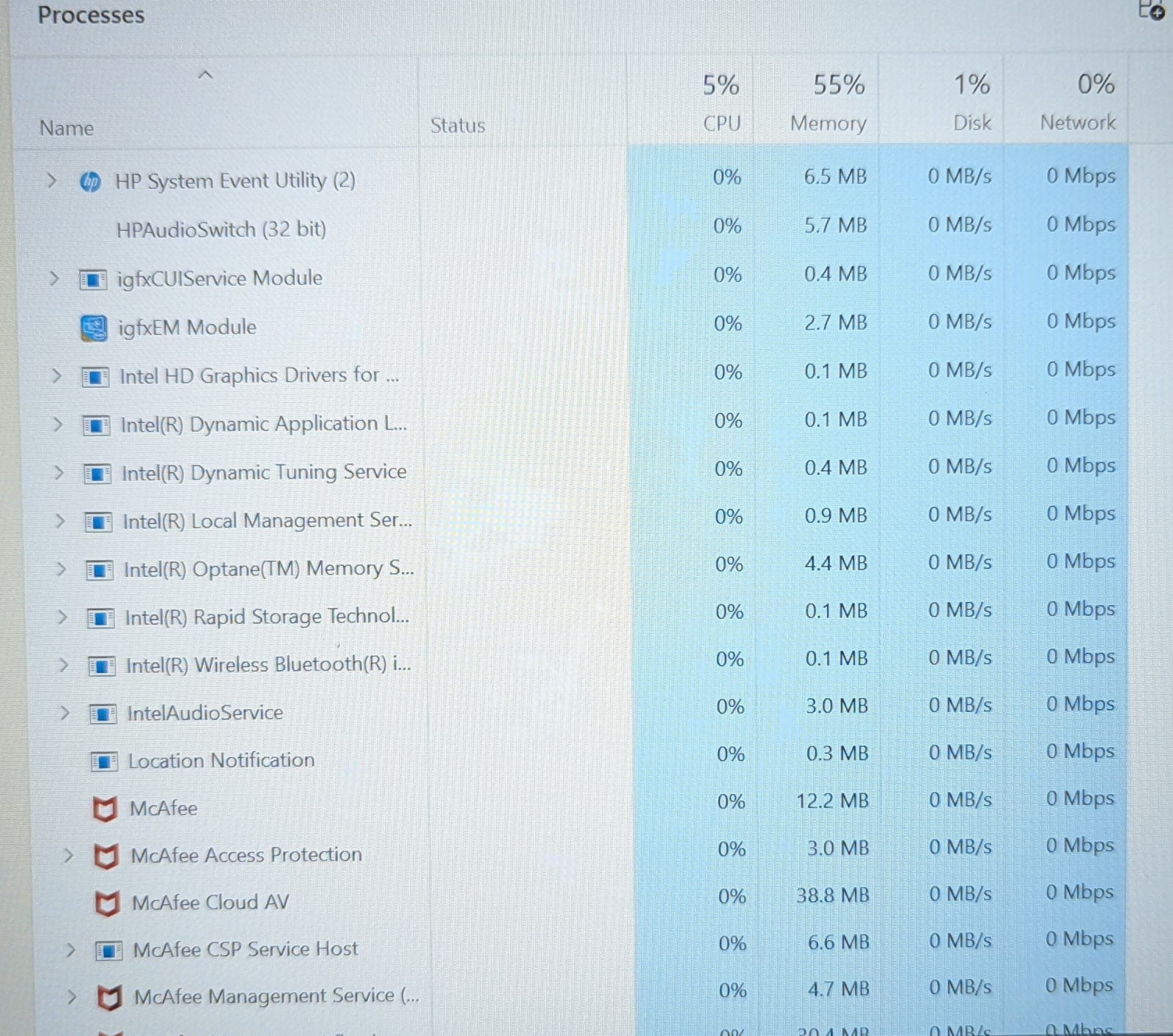
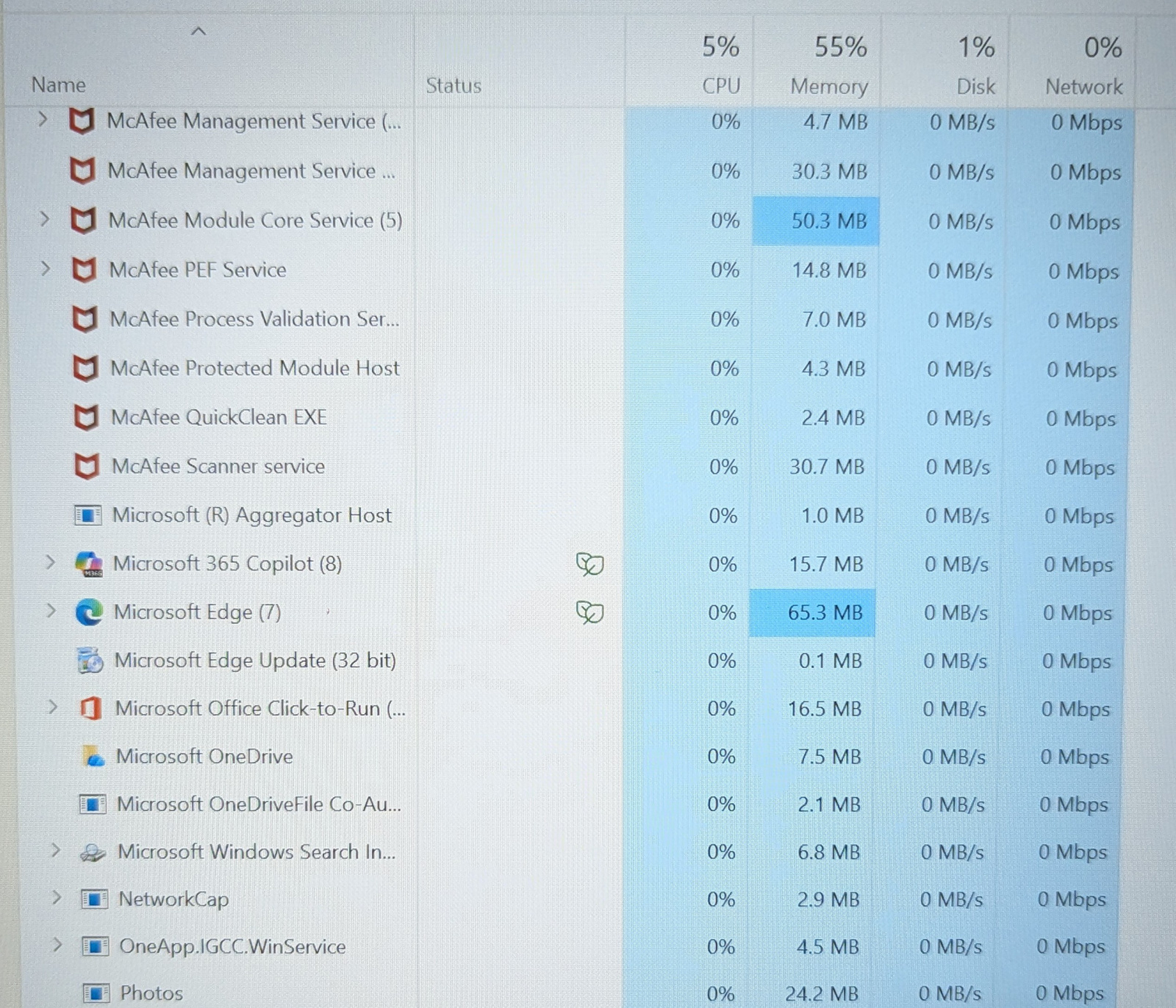
Processes. Just the usual 75... From '64-bit synaptics pointing...' to you wanna list?! 😁
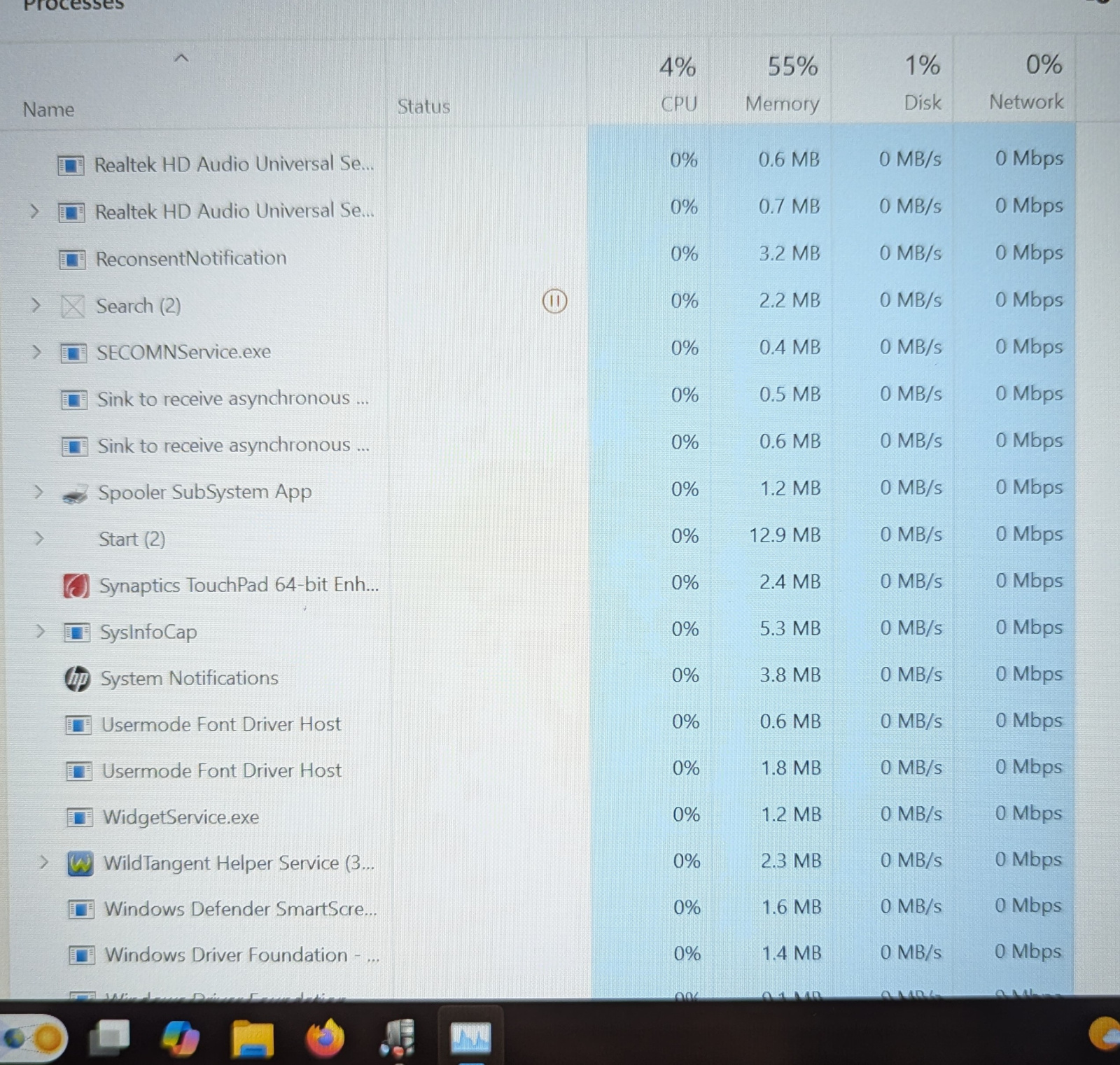
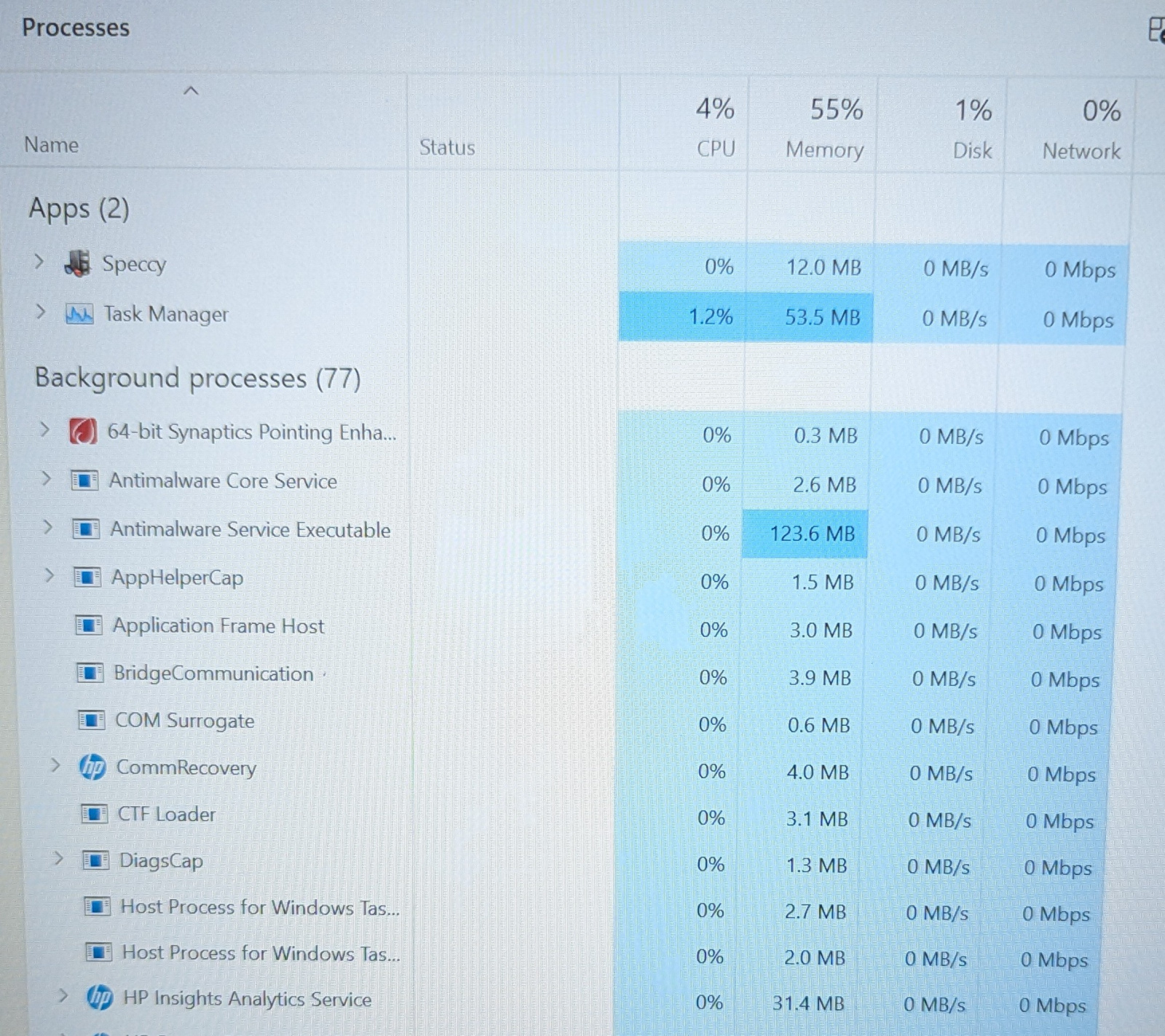 0
0 -
With the lappie running nice and calmly, I went through the installed apps, deleting anything worthless. That included Macafee.
This required a reboot to complete.
Lappie came back on bonkers. Fan like a turbine, temps stratospheric. It's now calmed down again, but what the hell?! Nothing running to cause this!
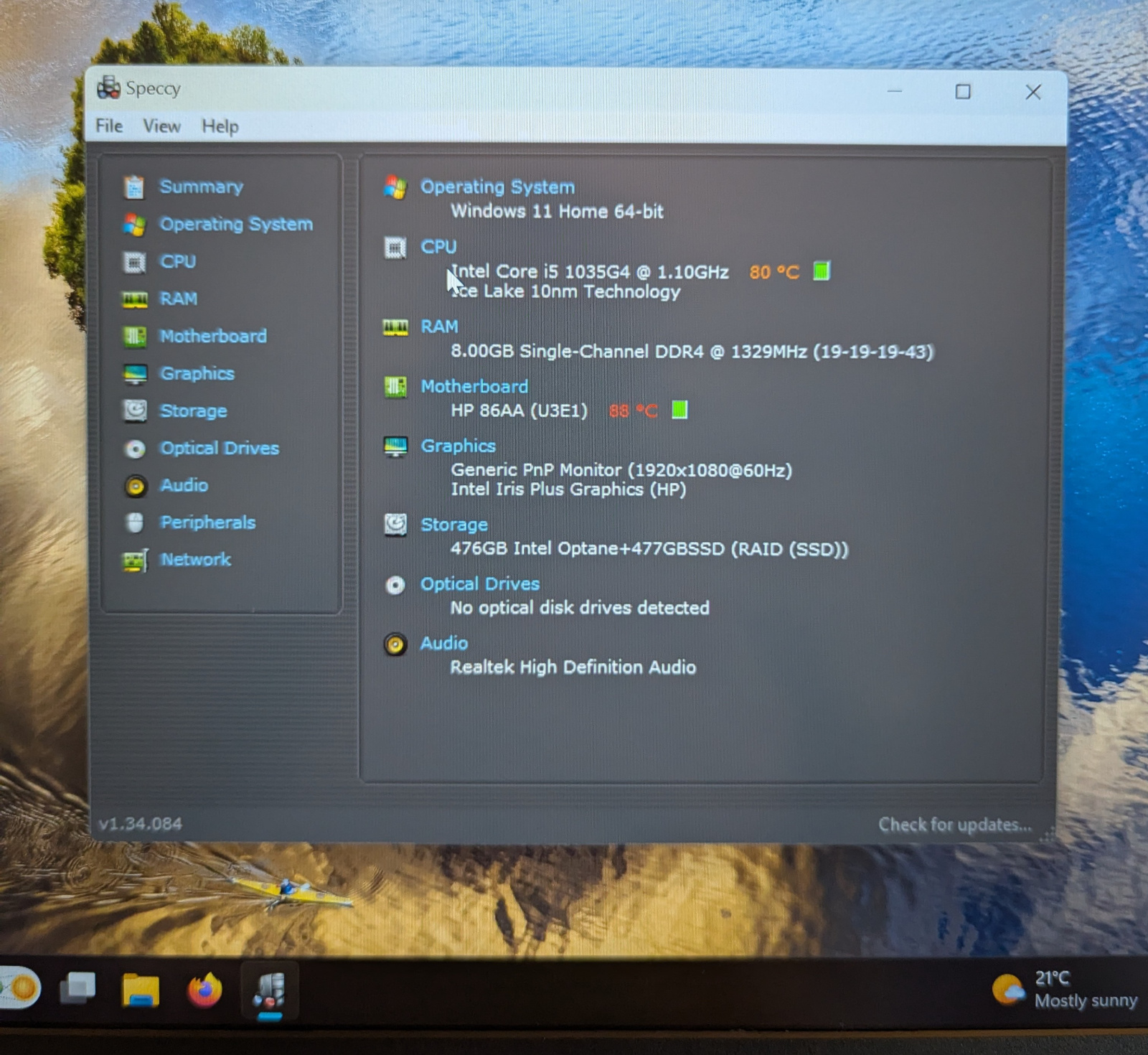
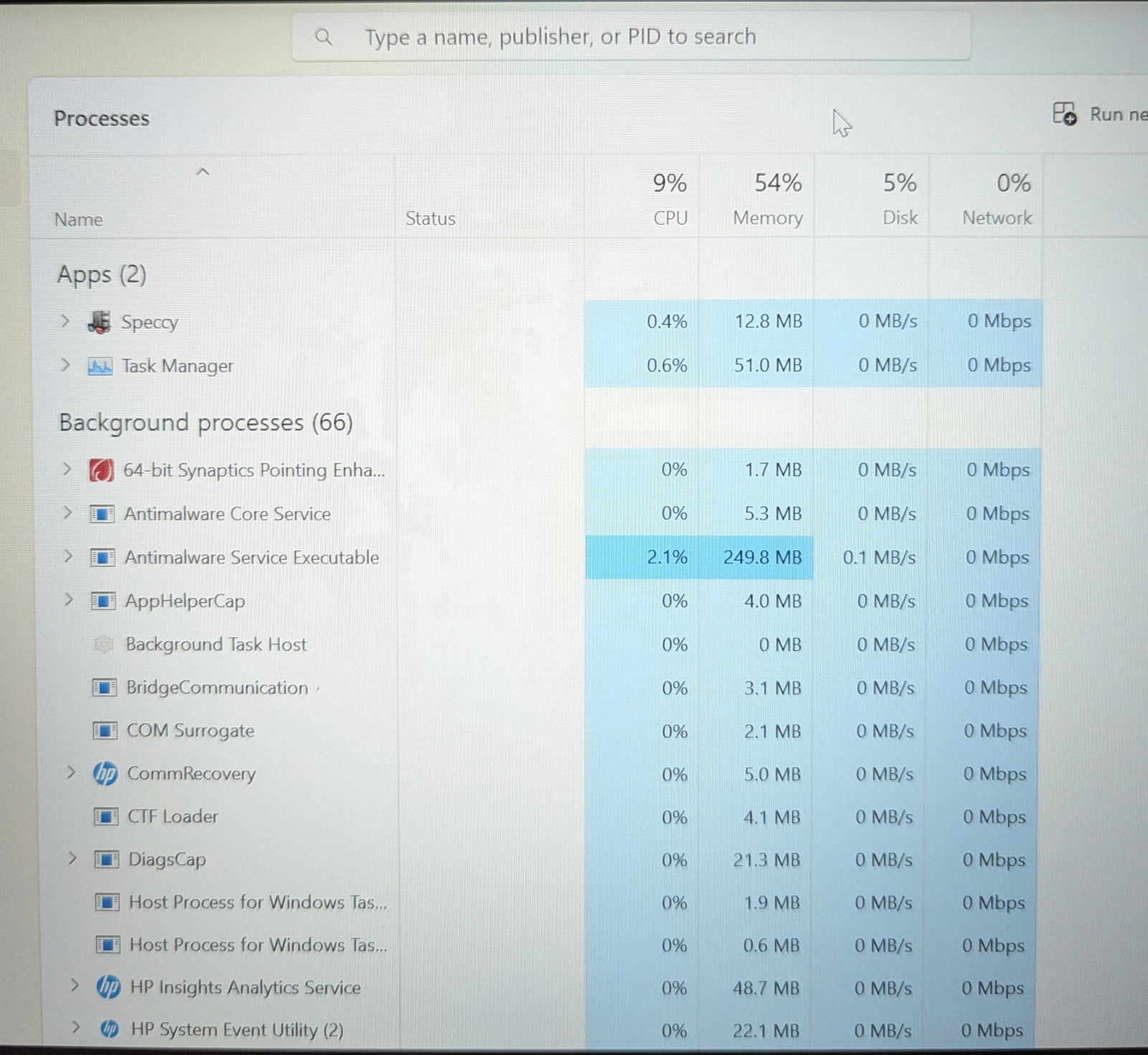 0
0 -
What's the memory like on the lappy, lack of memory can cause spikes in CPU
Let's Be Careful Out There0 -
If it runs hot but then cools down again when not used then it sounds like it's been doing a lot of updates and background tasks ( AV scans etc.)
You say that you are clearing it for a new user, how long has it been out of use?
Sometimes for a machine that has been offline for months there may be a lot of updates downloading and installing when you Restart or reboot, and then more next time, and so on until it's up to date.
I do note that it's an Intel i5 CPU - but it is a 7 year old one from 2019.
It has 8GB of DDR4 RAM which is OK for Win 11 general browsing, streaming, etc. but more RAM would be better for online gaming, video editing, etc
PS. I have a 2013 Toshiba Tecra M9, originally XP Pro currently got Windows 10 home on it, that laptop always runs hot and the fan is usually running all the time and audible (they were business machines and were well known for running hot). TBH though I've never actually checked what temperature it runs at, I might boot it up when I get home and check.
1 -
A single 8GB stick. That should be plenty, surely?
0 -
Hmm, possible. (Reply to Newcad above)
Yes, not used for a few years, and I reset it, so 'stuff" will be happening behind the scenes.
Yes, it's an i5, but 10th - again should be good to go, I'd have thought.
I'll just keep using it until I pass it over - if it burns up, too bad. 😊
0 -
Is there any way to pare it back? It will replace a truly ancient laptop that groans, so even throttled back this one will beat it.
0









Confirm your email address to Create Threads and Reply

Categories
- All Categories
- 355.6K Banking & Borrowing
- 254.8K Reduce Debt & Boost Income
- 456.1K Spending & Discounts
- 248.2K Work, Benefits & Business
- 605.7K Mortgages, Homes & Bills
- 179K Life & Family
- 263.5K Travel & Transport
- 1.5M Hobbies & Leisure
- 16.1K Discuss & Feedback
- 37.7K Read-Only Boards