We’d like to remind Forumites to please avoid political debate on the Forum.
This is to keep it a safe and useful space for MoneySaving discussions. Threads that are – or become – political in nature may be removed in line with the Forum’s rules. Thank you for your understanding.
Very hot CPU on laptop.




Hi.
I've been given a neat wee HP Pavilion laptop (14-ce3501na) to wipe for its new owner. It's immaculate, and looks little used. Reset seemed to work fine, but I was aware that the fan was very noisy, and ran for much of the time at high speed - wife complained bitterly.
Anyhoo, when setting it back up for the new owner I was again aware of excessive fan noise, so took it out and added a wee drop of PTFE lube to the bearing. Didn't make any difference - didn't really expect it to, tbh, as the noise was down to 'speed' and not rumble/wear.
It then started doing weird stuff - display going off for a few seconds, sometimes when I moved the mouse arrow. I picked the lappie up, and it felt very hot underneath…
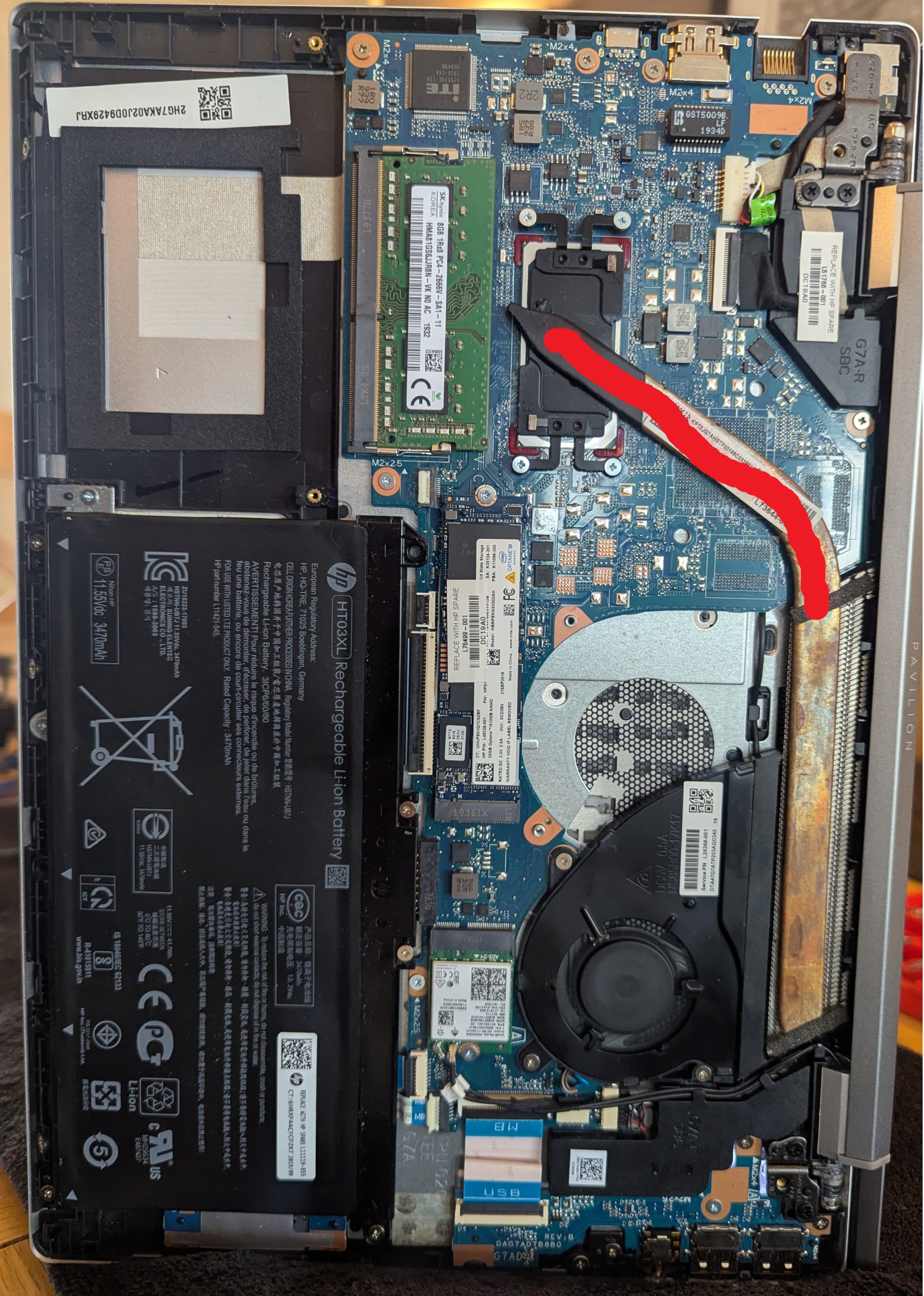
Took the back off again, set it up on its side and fired it back up from cold. The CPU becomes untouchably hot within 30-odd seconds, the copper cooling tube ditto, and in a couple of minutes you cannot comfortably keep a finger on any part of the cooling tube right up to the fan area - where it then feels very cool.
Q - does this laptop have a built-in temp monitor I can access? If not, which downloaded one is easiest to use, please?
I presume this level of heat is 'wrong' - can anyone confirm, please? (The red shows where it is 'too hot to touch'.) Thanks.
Comments
-
Supplementary Qs, please - how do these cooling tubes work? What's inside them, and how does it 'flow' the heat away? Could it be a faulty tube? Would the CPU become that hot normally without a cooling tube? Ta.
0 -
I don't know if there is anything built in, but Speccy is free and will show your temperatures, as well as lots of other specification data:
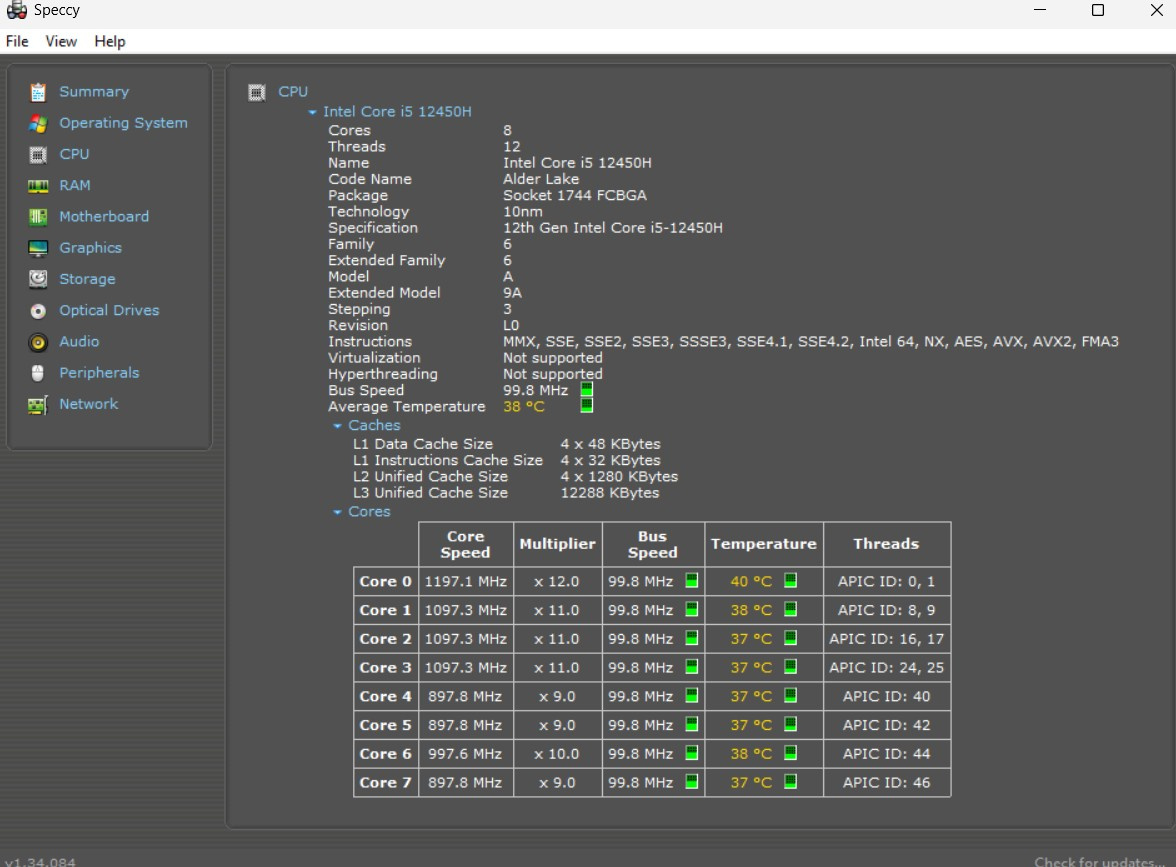
As you can see there my CPU in this laptop is currently running at 37-40 degrees Celsius.
You can download the free version from here (PS. don't bother to pay for the Pro version, it isn't worth it and the free version will tell you all that you need)
1 -
If the PC is doing very little then the chip should be cool
you don't say what software is running but if there is something wrong and the software is hammering the processor than the temperature will rise considerably
The first thing I would do is disconnect the hard drive so there is nothing to boot from, power on and just let the system lie there in BIOS and see if the temperature problem persists
1 -
A laptop copper heat pipe uses a closed-loop phase change cycle.
A tiny amount of internal liquid is boiled at the CPU end and then condensed at the fan end, to rapidly move heat away from the CPU.See this short video:
1 -
If the copper is getting really hot, including towards the fins, then the heatsink is working as such.
Can you physically feel the fan blowing air out of the laptop? Many years ago when I use to fix laptops, the number of them that came in with the heatsinks blocked up as the fan sucks in dust, fluff, animal hair etc, which blocks up the fins so the fan blows at full whack and does nothing.
I'd take the fan out and check the exhaust slow isn't blocked and also neither are the copper fins.
1 -
Thanks. The fan is working well, and is blowing air - it's all very clean inside.
I've just removed the cooling tube, so I'm going to try what I read on t'web - dipping the CPU end in hot water, and checking this heat is transferred to t'other.
0 -
Mta, I've carried out a complete reset, so all files removed, and I presume all extra apps too - all that should be there is the Windows reinstall.
0 -
Wow, so these tubes 'work'.
Dipped the CPU end in near-boiling water, and almost immediately the heat could be felt - untouchable - half way along. The very end took 20-odd seconds, but it, too, became very hot. Incredible.
I have thermal paste, so will reassemble and download the Speccy CPU temp software that Newcad suggested.
Perhaps it's 'normal', but just didn't feel like it. And there were these weird glitches too. Hey-ho.
0 -
Argh. I can't shift the darned SSD. Screw out, but the board appears to be stuck down.
Is there another screw under the label? Surely not.
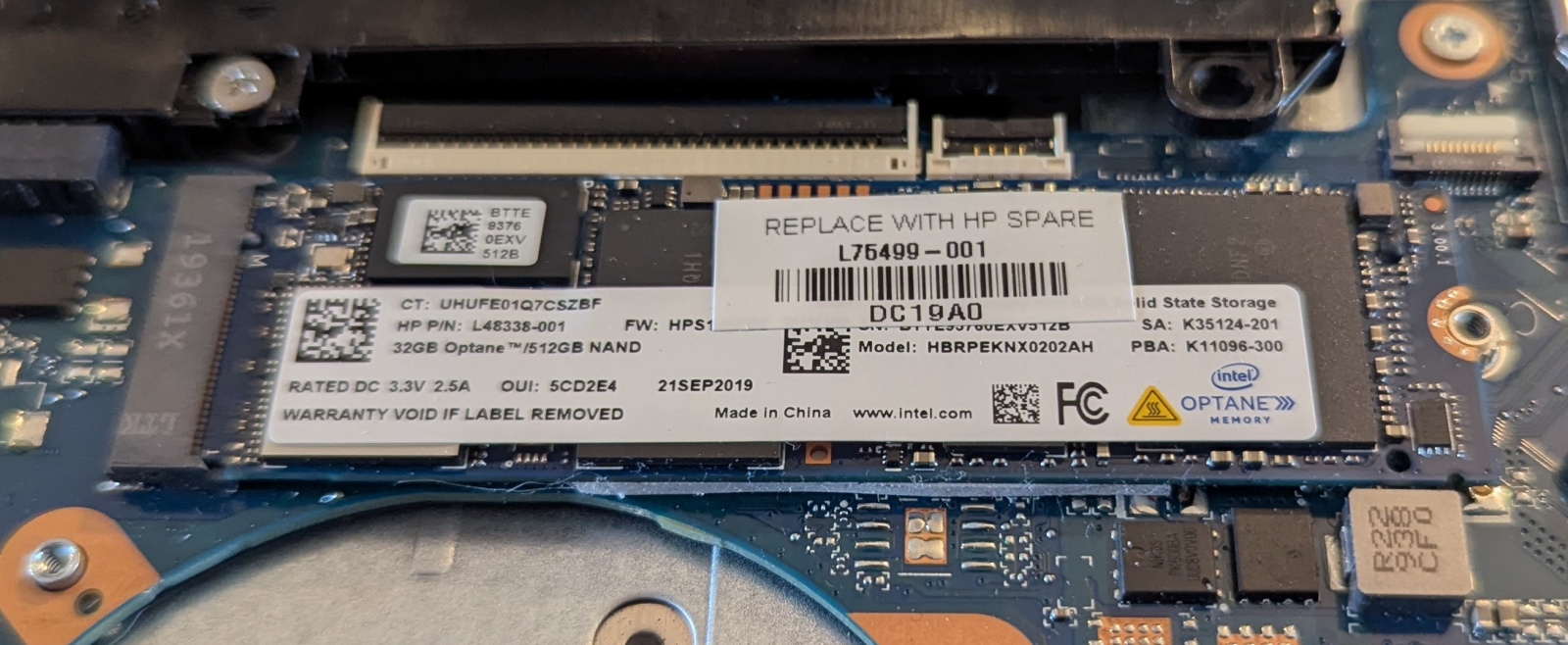
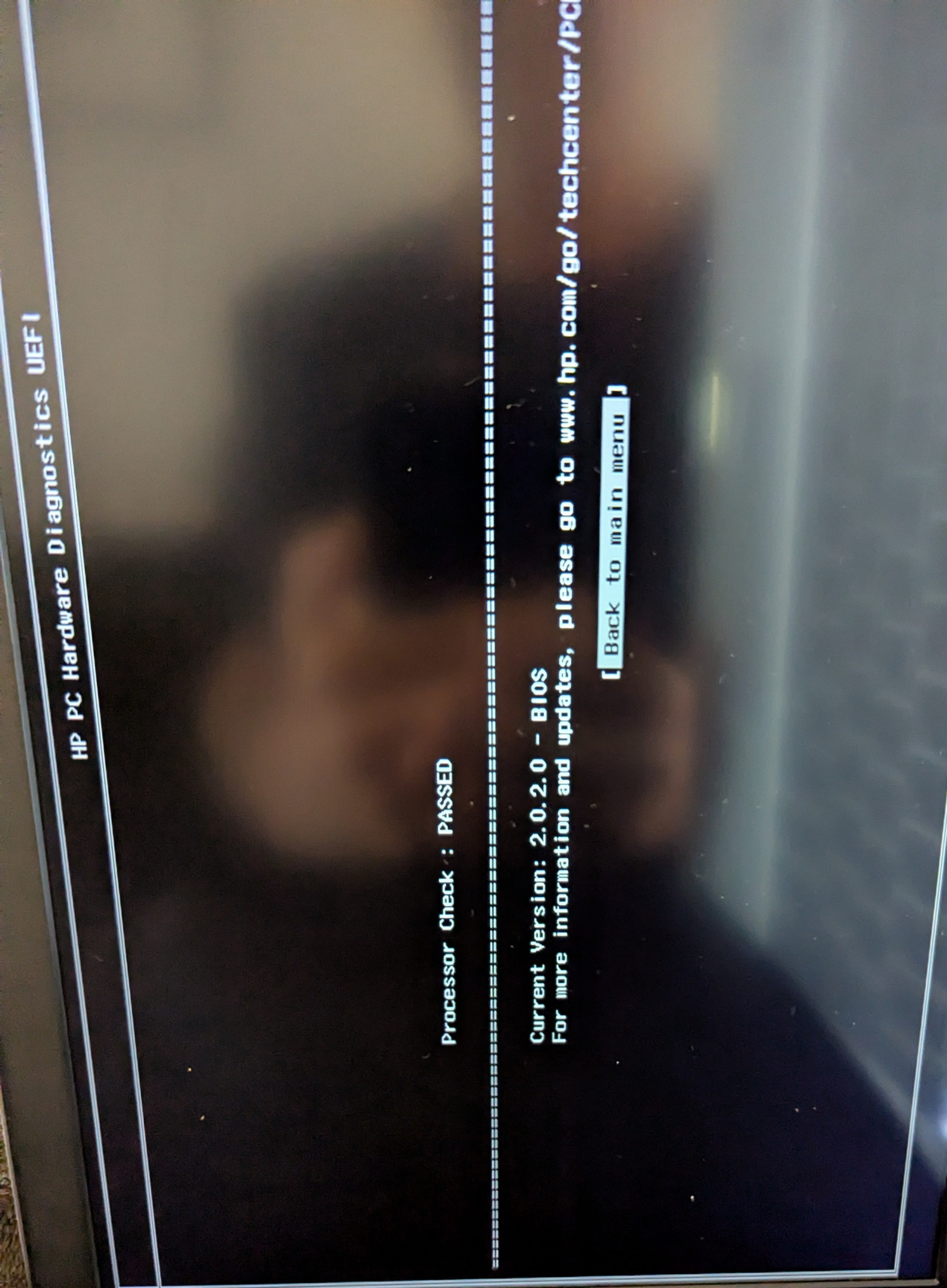
Edit - stuck down on double-sided pad. Prised off and rebooted. CPU not as hot, but still hot. CPU test passed. Now downloading Speccy.
 0
0 -
She's hot. CPU at 68, and mobo at 70+
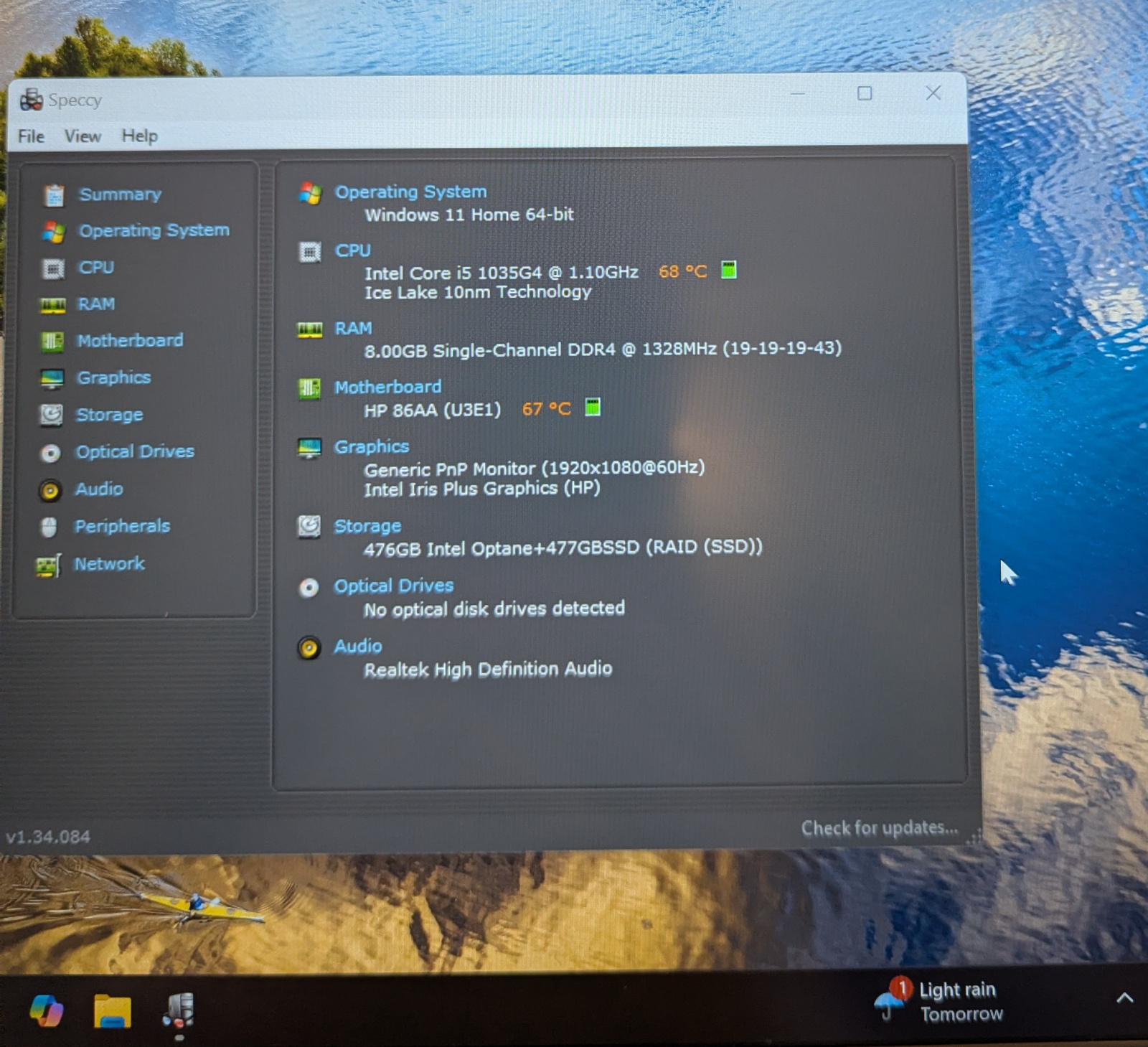
Surely not normal?
It's come down slightly - 61oC and 67oC, but blimey.
CPU just jumped to 84, and now in mid-70s.
CPU jumped momentarily to 91, and mobo to 81. It's all over the place.
My own mini PC was at 30-odd degrees...
What can cause this?
0





Confirm your email address to Create Threads and Reply

Categories
- All Categories
- 355.6K Banking & Borrowing
- 254.8K Reduce Debt & Boost Income
- 456.1K Spending & Discounts
- 248.2K Work, Benefits & Business
- 605.7K Mortgages, Homes & Bills
- 179K Life & Family
- 263.5K Travel & Transport
- 1.5M Hobbies & Leisure
- 16.1K Discuss & Feedback
- 37.7K Read-Only Boards