We’d like to remind Forumites to please avoid political debate on the Forum.
This is to keep it a safe and useful space for MoneySaving discussions. Threads that are – or become – political in nature may be removed in line with the Forum’s rules. Thank you for your understanding.
📨 <b>Have you signed up to the Forum's <a href="https://forums.moneysavingexpert.com/discussion/6612556/new-feature-get-sent-trending-forum-threads-by-email?utm_source=banner">new Email Digest</a> yet? </b>Get a selection of trending threads sent straight to your inbox daily, weekly or monthly!
Multiple Laptop Set up
Comments
-
Cloud Storage is not a replacement for a NAS, it's Belt and Braces.Grumpy_chap said:Grumpy_chap said:My NAS is a WD Western Digital My Cloud.Grumpy_chap said:This is the NAS that I have: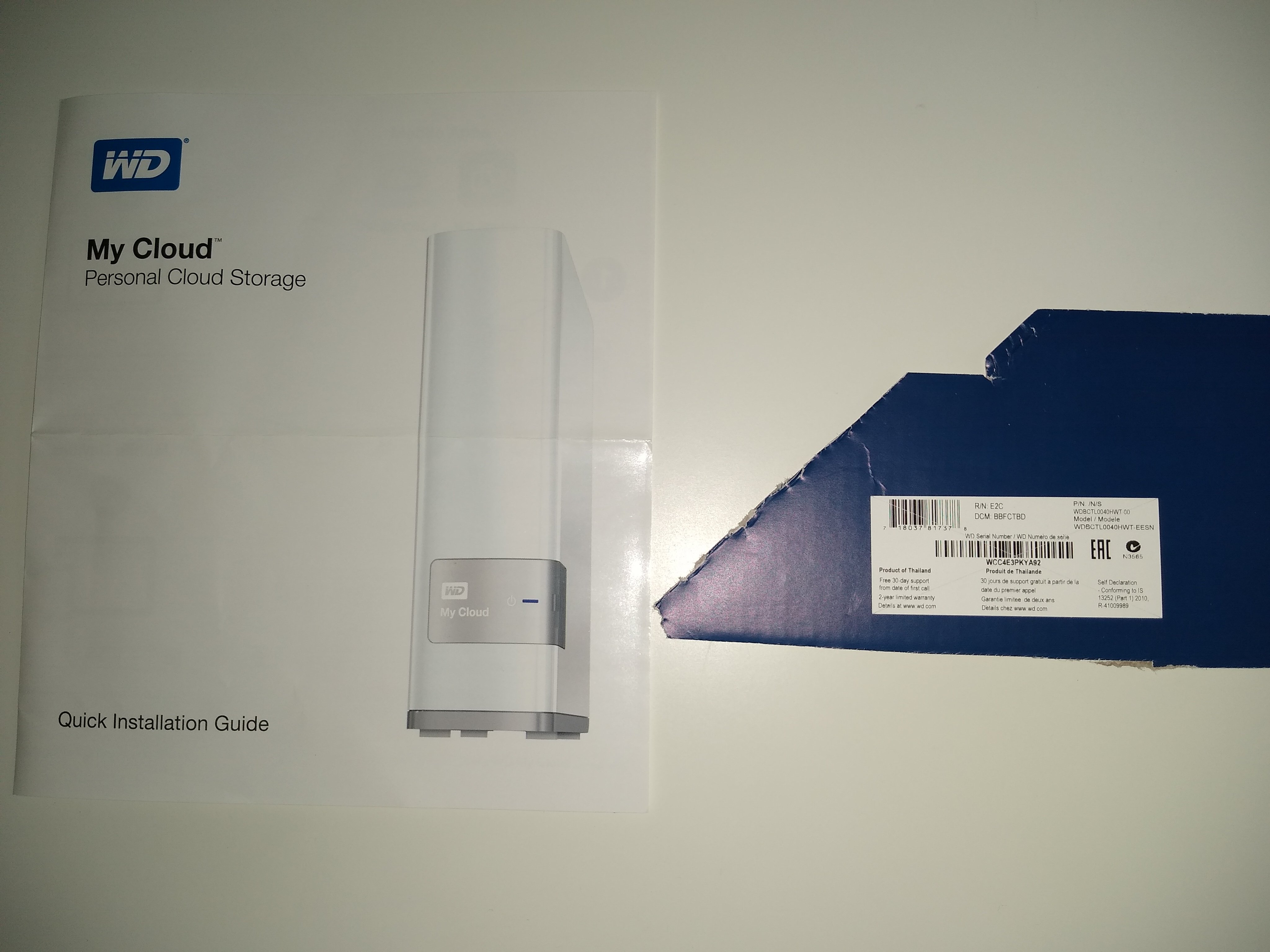
EDIT - I found the link from when I purchased the NAS through Amazon:
https://www.amazon.co.uk/dp/B00FOKN7D8?psc=1&ref=ppx_pop_dt_b_product_details
So, this afternoon my NAS (as above) started to become temperamental.
Obviously, this is an essential device and critical if it fails completely. It would not allow access at all across the network or via USB but does allow serviceable access if plugged directly into the network port of the computer (though that prevents use of other network services). To allow it to reset, I have unplugged overnight.
My Amazon account history shows that I purchased the NAS in January 2016, so this is quite an old device now, and they are plugged in and powered up 24-7 so that is quite hard I guess.
In the scheme of things, NAS drives are relatively low cost. Am I wise to simply consider that as soon as it starts to get temperamental, it is time to simply go for a new NAS?
I like the simplicity of using the current NAS as a home network device.
I never really got the remote access via the web working as it should have.
Backup from the current NAS was never simple.
Can the intelligent minds of this forum give any suggestions as to a suitable replacement device or other next steps to ensure my data is secure?
Get another NAS: https://www.amazon.co.uk/gp/bestsellers/computers/20631350031/ add a couple of reliable drives and copy your stuff over.0 -
Thanks, am I correct that cloud storage would not allow me to swap files with Mrs G_C?
On the NAS, we can both access the same folders so file exchange is simple.0 -
NAS drives seem to have changed since we purchased the current device.
That was a simple item purchased as one thing that really just worked straight out of the box - all I had to do was create and map the drives.
The items now seem to be that you buy a case and then buy the storage drives separately. All more complicated and more expensive. The big advantage is that the devices have the drive that is used plus a second ghost drive that dynamically mirrors the first so better security in the event of hardware failure.
Maybe I will need to visit the local independent IT store rather than simply buying something from Amazon.0 -
- cloud storage would not allow me to swap files with Mrs G_C? -
Cloud storage does allow that (I can only speak for OneDrive); by logging into OneDrive with the same account you can can sync, edit and upload files from multiple devices inc. mobis when out and about.
The free tier gives you 5GB, Basic at £20 a year gives 100GB then Personal give 1TB plus all the Office Suite of apps.0 -
I have poor prior experience with One Drive - stuff just disappears and you have no idea where it is.Vitor said:
Cloud storage does allow that (I can only speak for OneDrive); by logging into OneDrive with the same account you can can sync, edit and upload files from multiple devices inc. mobis when out and about.
Also, I am G_C@outlook.com and my wife is Mrs G_C@outlook.com
To share via OneDrive, I think you are saying we would have to be just one account Mr&Mrs G_C@outlook.com
No good if I am buying my wife a surprise present...
I think I may have found an item that is "out of the box ready"
https://www.amazon.co.uk/Synology-DS223J-Bay-Desktop-White/dp/B0CDQ3RVQ1?th=10 -
I have ordered the NAS linked in my post above - it should arrive by Monday.0
-
the OP is supplied a machine by their client for work on the contract with that clientNeil_Jones said:Um... I don't follow.If your clients use their own laptops, why do you need a KVM switch?
it appears the OP has a desk setup at home that is organised around connecting / docking a laptop to external Screen(s) full size keyboard , mouse / trackball etc
OP
USB-C docking station assuming the laptops supplier by the client are of sufficiently new / high spec0 -
And the Greathtek USB 2.0 KVM Switch 4-Port that I purchased via Amazon is doing a sterling job in that regard.EnPointe said:
the OP is supplied a machine by their client for work on the contract with that clientNeil_Jones said:Um... I don't follow.If your clients use their own laptops, why do you need a KVM switch?
it appears the OP has a desk setup at home that is organised around connecting / docking a laptop to external Screen(s) full size keyboard , mouse / trackball etc
OP
USB-C docking station assuming the laptops supplier by the client are of sufficiently new / high spec0 -
The NAS drive package arrived yesterday afternoon and I spent today setting it up.Grumpy_chap said:I have ordered the NAS linked in my post above - it should arrive by Monday.
It was mostly straightforward apart from an unusual way to have to map the network drives but, once one drive was mapped, I could use the standard windows explorer route to map the drives on other machines.0 -
One way to do this is to have a folder on Onedrive (it's the same on Google Drive and no doubt other Clouds) that you grant access to. This access is given to individuals via their Outlook Ids. Can be read-only but full access can be given,Grumpy_chap said:
Also, I am G_C@outlook.com and my wife is Mrs G_C@outlook.com
To share via OneDrive, I think you are saying we would have to be just one account Mr&Mrs G_C@outlook.com
No good if I am buying my wife a surprise present...1












Confirm your email address to Create Threads and Reply

Categories
- All Categories
- 355.8K Banking & Borrowing
- 254.9K Reduce Debt & Boost Income
- 456.2K Spending & Discounts
- 248.3K Work, Benefits & Business
- 605.9K Mortgages, Homes & Bills
- 179K Life & Family
- 263.7K Travel & Transport
- 1.5M Hobbies & Leisure
- 16.2K Discuss & Feedback
- 37.7K Read-Only Boards