We’d like to remind Forumites to please avoid political debate on the Forum.
This is to keep it a safe and useful space for MoneySaving discussions. Threads that are – or become – political in nature may be removed in line with the Forum’s rules. Thank you for your understanding.
Help my phone hasn’t been backed up




I just checked my phone and it hasn’t been backed up in several weeks . It’s saying I don’t have enough storage to back it up . I pay for a small amount every month but I don’t really want to be paying an extra £3 every month . I have over 6000 photos , 235 videos and 79 apps . My phone is a 128gb . I thinking of changing my phone but I would lose anything not saved since last back up . What are my options when I want to get a new phone ….which I really need to do …thanks
Comments
-
Use a cable and connect your phone to a computer or USB drive and move the files you wish to keep there, leave the apps.
Whilst you're at it also back them up to another drive.
Once you have your new phone with larger memory you can copy them to that phone.1 -
thank you , should’ve added I’m in my 60’s and don’t understand what you mean l I have a laptop …do you mean save them to there . Some one advised paying for extra storage and then doing a back up just before you change all over to a new phone …..
Smile and be happy, things can usually get worse!0 -
Youtube is your friend.
This is one of many videos.
https://www.youtube.com/watch?v=58t72yR3NOM
It's just like moving any other files around.
I'm nearer 70 than 60.1 -
Yes connect the phone with a cable to your laptop
open (my) computer and look for the phone
double click on the phone icon and go to storage / DCIM and look for the photos (camera, videos etc folder)
move them onto the hard drive of your laptop
0 -
As already described easy enough to move them to a computer. From there you can back them up to a flash drive or external hard disc.
Once you've got them on the computer then you can delete many/some/all from the phone to free up space and no need to spend any money on a new phone.
Age is no barrier to understanding technology.
Things that are different: draw & drawer, brought & bought, loose & lose, dose & does, payed & paid2 -
Out of interest, is your laptop backed up?
Maybe paying Google (say) £20/year to for space to backup your phone and laptop might be a wise spend.
1 -
Just been doing my monthly housekeeping.
Google Drive also gets the very important documents that I need when travelling.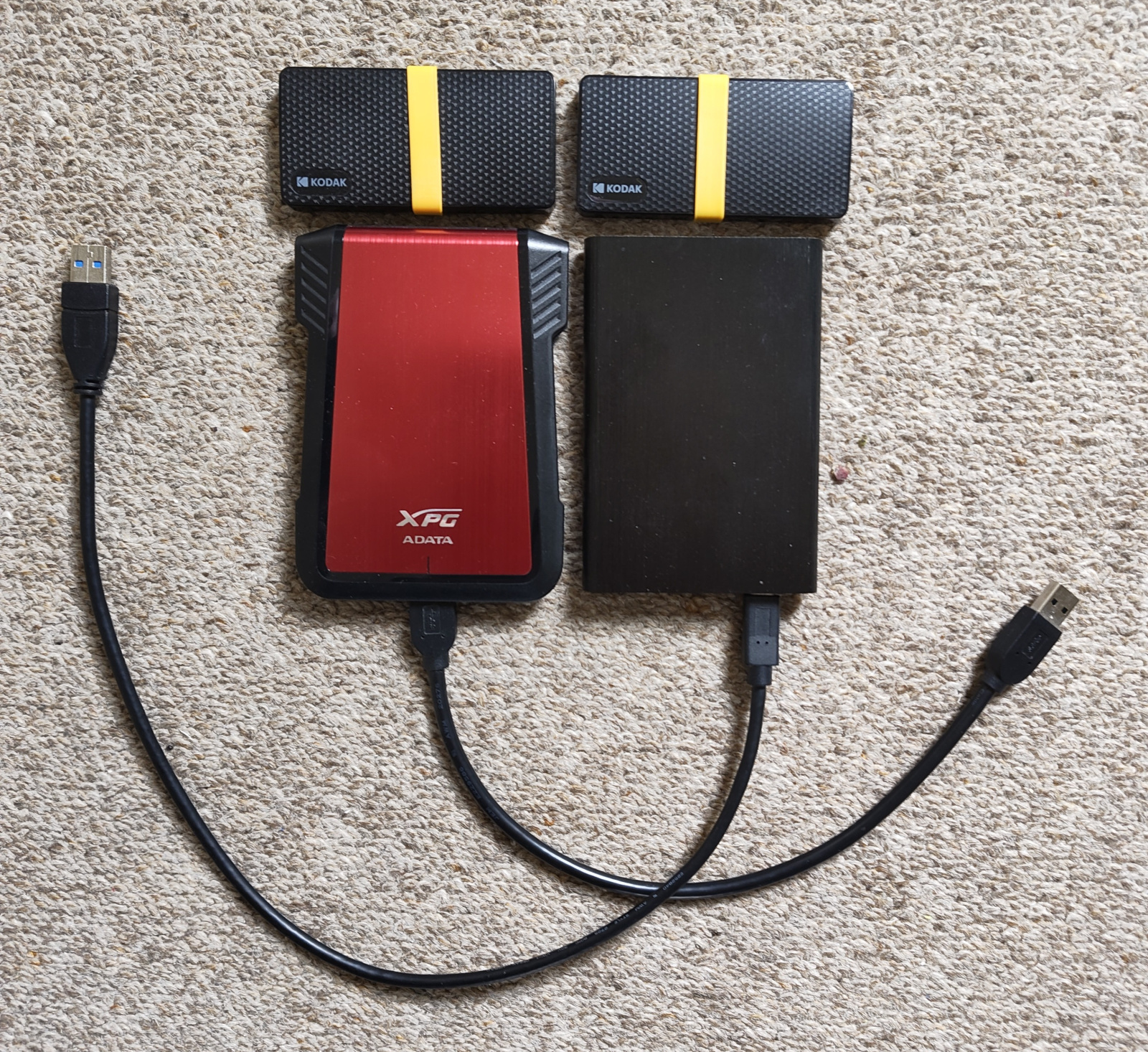 0
0 -
Beware of cloud backups, it’s good for data (images and documents) but backing up a whole laptop could easily use 100 GB (or more) each time. Not only will it take ages, but can prove expensive too.
FWIW, I use Microsoft One Drive to store Word, PowerPoint and Excel files, which is handy when working on something on the desktop PC or when away on the laptop. I don’t use One Drive for anything else.
I backup the whole drive for both my PC and laptop using Acronis True Image, it’s backed up to a USB hard drive. I backup up my PC weekly and the laptop once a month. These are full backups, not incremental ones.
With my iPhone, I use Proton Drive to backup images directly from the phone to the cloud. I don’t use Apple backup since they downgraded the encryption to keep the Government snoops happy. I also save “useful” documents in folders on Proton Drive, such as insurance documents and other important stuff that I can access from my phone, PC or laptop.
Incidentally, I am over 70 and have no problem with phones or computers.
2 -
All good advice here. How many of the 79 apps do you actually use? Delete those that you only occasionally use, they are easy enough to download again of you start using them again. Also if it's an iPhone and you buy your new one directly from an apple store they will set up your new phone and swap everything over for you.
1 -
Depending on the type of phone, you might not need to worry.
For example, if you get a new iPhone, Apple gives you enough storage to do the backup and transfer. After three weeks the storage goes back to what you were paying for, before the purchase.
0











Confirm your email address to Create Threads and Reply

Categories
- All Categories
- 355.7K Banking & Borrowing
- 254.9K Reduce Debt & Boost Income
- 456.1K Spending & Discounts
- 248.3K Work, Benefits & Business
- 605.8K Mortgages, Homes & Bills
- 179K Life & Family
- 263.6K Travel & Transport
- 1.5M Hobbies & Leisure
- 16.2K Discuss & Feedback
- 37.7K Read-Only Boards