We’d like to remind Forumites to please avoid political debate on the Forum.
This is to keep it a safe and useful space for MoneySaving discussions. Threads that are – or become – political in nature may be removed in line with the Forum’s rules. Thank you for your understanding.
📨 Have you signed up to the Forum's new Email Digest yet? Get a selection of trending threads sent straight to your inbox daily, weekly or monthly!
TV LICENCE SITE PERMANENTLY DOWN
Comments
-
I have just managed to get into my account by using my phone - it was impossible on any browser via my PC. Phew 👌0
-
JSmithy45AD said:
Some sites just don't like a VPN regardless of where you've set it to.prowla said:That's annoying - I've been trying for a few days to access it and getting the error page saying it's down.I do go via a VPN (I'm in the UK and it surfaces in the UK).I got to the site via https://www.gov.uk/find-licences/tv-licence, so it should be the right one.I've just phoned to renew (the number is on the above gov.uk site).In this case I can see that there may be some logic in them (trying to) prevent access from another country, but I don't know what the point would be of them stopping someone buying a TV licence, as it would be invalid anyway.Given that mine was a renewal that was evidently the case though, and the ability to do so via phone negates that argument.
0 -
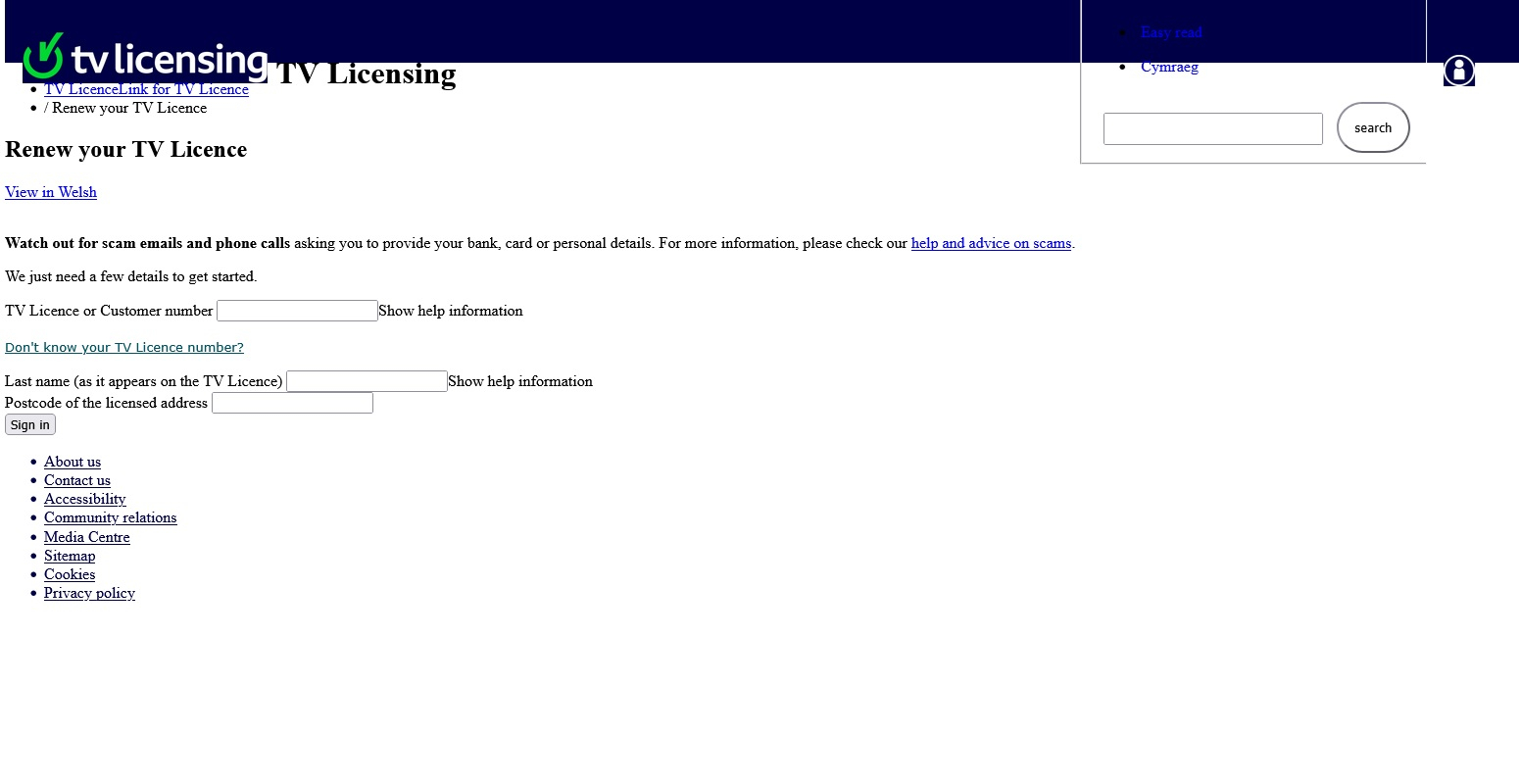
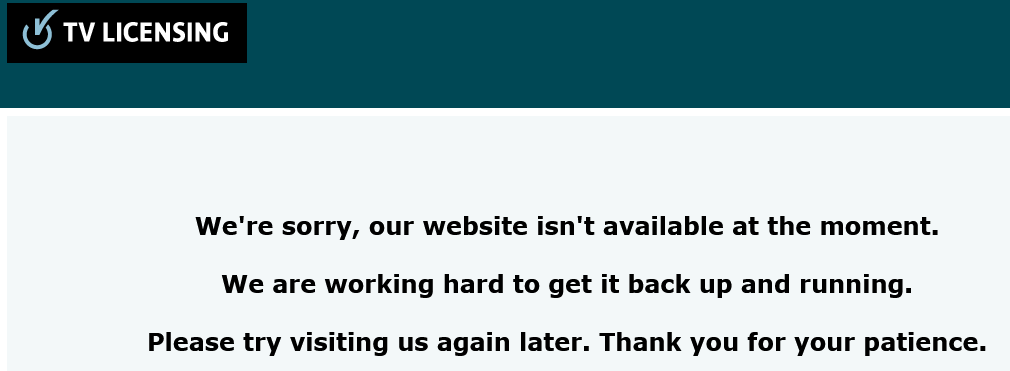
Sorry for resurrecting this topic, but it perfectly describes my problem too. I just can't access the TV Licensing website in any way.Received an email from them that my no-licence declaration is about to expire and need to make a new declaration. I wanted to do it immediately but the website was unavailable. Then forgot about it for some time, then tried again, and I'm still having the same issue. When the page loads for the first time, some text appears, but without formatting and most pictures are missing, like "picture 1" below. Then, when I try to click on a link, or just press F5 to refresh the page, it shows me the message "We're sorry, our website isn't available at the moment. We are working hard to get it back up and running. Please try visiting us again later. Thank you for your patience."I read this topic, and that I should check about VPN, etc. I'm not using a VPN, tried two browsers, and then even my mobile phone (both via Wifi and mobile data, in case it doesn't like my broadband provider). Nothing worked.I'm now getting worried, and I think now they will start to send me letters via post.I tried googling about it, and I could find some posts on social media that the website is unavailable for a month now "due to the number of people trying to cancel their licence", but I couldn't verify whether it's correct.Can anyone please check if the website is working fine for them (with all pictures and correct formatting), and that they can click on links, etc? Or if not, how did you resolve the issue? I'm trying to make a no-licence declaration.Thank you
 Picture 1: (example how the page loads initially, no formatting, most pictures missing, etc.)
 Picture 2: (when clicking on any link or just refreshing the page)
 0
0 -
This is what I see:roccatvulcan said:Can anyone please check if the website is working fine for them (with all pictures and correct formatting), and that they can click on links, etc? Or if not, how did you resolve the issue? I'm trying to make a no-licence declaration.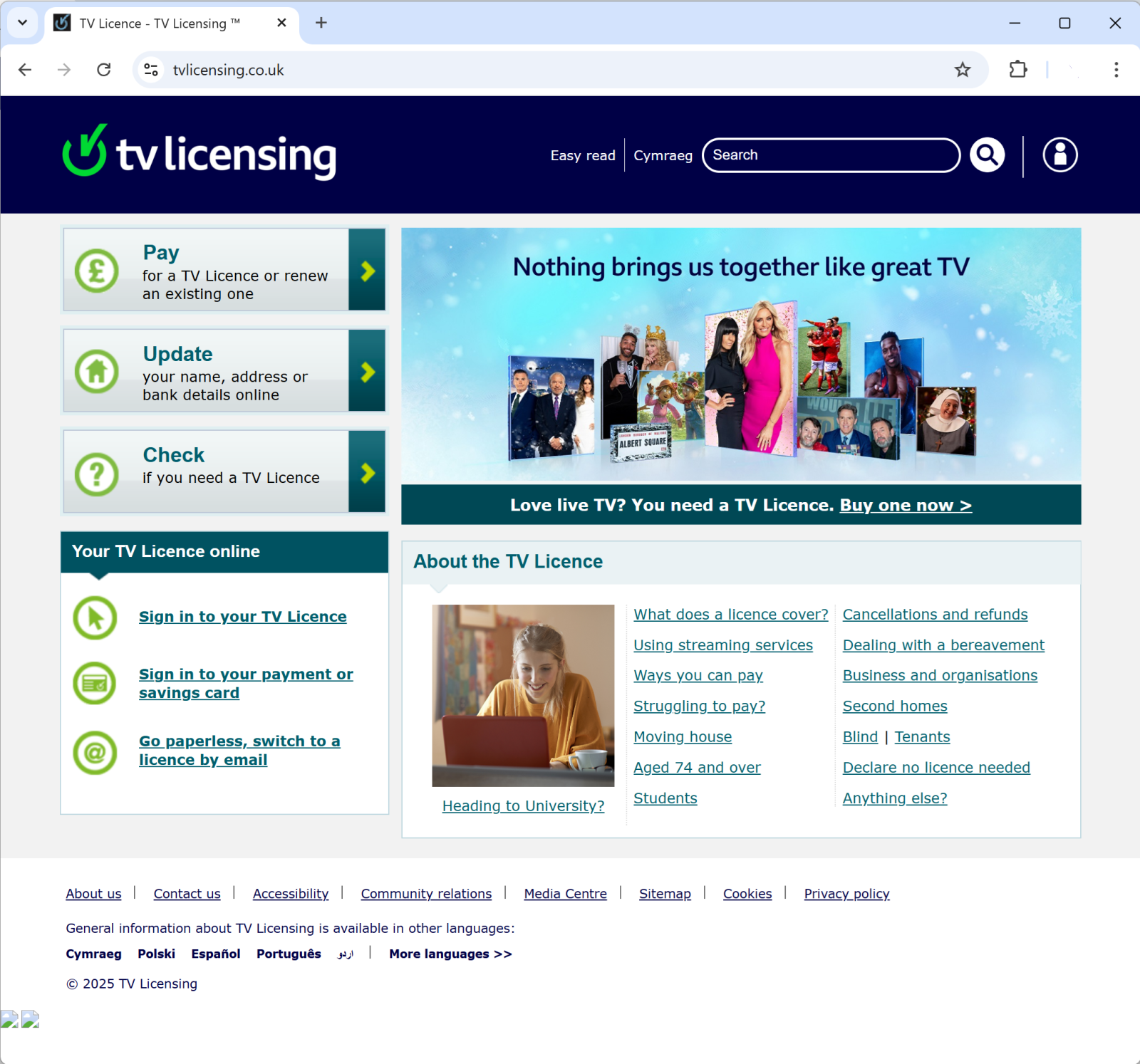
The buttons seem to work ok. Not sure what the two images near the bottom left should be, if anything.
I'm using Chrome. Have you tried doing Ctrl+F5 in your browser to force a refresh and not use any cached page files?1 -
Detail_Merchant said:This is what I see:
The buttons seem to work ok. Not sure what the two images near the bottom left should be, if anything.
I'm using Chrome. Have you tried doing Ctrl+F5 in your browser to force a refresh and not use any cached page files?Thanks for the quick reply, and for confirming that it works for you.I managed to somehow resolve the issue as well, and submitted the declaration. I tried it again on my phone, in Chrome and in a regular tab, and it started to work. However, in a private/incognito tab, it doesn't work. Interestingly, on my desktop or laptop, nothing works, regardless which browser I use and whether I use a regular tab, or a private/incognito tab. Pressing Ctrl+F5 didn't work either.So if anyone else has an issue, you might want to try on different devices, different browsers and make sure you use a regular tab, not a private one.0 -
roccatvulcan said:Sorry for resurrecting this topic, but it perfectly describes my problem too. I just can't access the TV Licensing website in any way.Received an email from them that my no-licence declaration is about to expire and need to make a new declaration. I wanted to do it immediately but the website was unavailable. Then forgot about it for some time, then tried again, and I'm still having the same issue. When the page loads for the first time, some text appears, but without formatting and most pictures are missing, like "picture 1" below. Then, when I try to click on a link, or just press F5 to refresh the page, it shows me the message "We're sorry, our website isn't available at the moment. We are working hard to get it back up and running. Please try visiting us again later. Thank you for your patience."I read this topic, and that I should check about VPN, etc. I'm not using a VPN, tried two browsers, and then even my mobile phone (both via Wifi and mobile data, in case it doesn't like my broadband provider). Nothing worked.I'm now getting worried, and I think now they will start to send me letters via post.I tried googling about it, and I could find some posts on social media that the website is unavailable for a month now "due to the number of people trying to cancel their licence", but I couldn't verify whether it's correct.Can anyone please check if the website is working fine for them (with all pictures and correct formatting), and that they can click on links, etc? Or if not, how did you resolve the issue? I'm trying to make a no-licence declaration.Thank youPicture 1: (example how the page loads initially, no formatting, most pictures missing, etc.)Picture 2: (when clicking on any link or just refreshing the page)
The other option would have been to forget about it and do nothing. Then recycle any and all letters they send to you.Things that are different: draw & drawer, brought & bought, loose & lose, dose & does, payed & paid3 -
Works fine for me, although it looks as if it has been updated, so definitely worth a Ctrl-F5 full refresh (or the equivalent for your browser). You might also want to delete any previous cookies from the site.
Unfortunately, they have clearly chosen to implement geo-blocking on the site. This seems a bit unnecessary as they could block foreign Licence sales in the purchase process.
As above, you don't "need" to do "No Licence Needed" anyway, and if technical issues are preventing you then it seems like a good opportunity not to worry about it and get on with the rest of your life.0 -
I tried for weeks! Eventually got it done on the phone automated payment line0300 555 02980












Confirm your email address to Create Threads and Reply

Categories
- All Categories
- 355.7K Banking & Borrowing
- 254.9K Reduce Debt & Boost Income
- 456.1K Spending & Discounts
- 248.3K Work, Benefits & Business
- 605.8K Mortgages, Homes & Bills
- 179K Life & Family
- 263.6K Travel & Transport
- 1.5M Hobbies & Leisure
- 16.1K Discuss & Feedback
- 37.7K Read-Only Boards