We’d like to remind Forumites to please avoid political debate on the Forum.
This is to keep it a safe and useful space for MoneySaving discussions. Threads that are – or become – political in nature may be removed in line with the Forum’s rules. Thank you for your understanding.
Links no longer show the URL without hovering





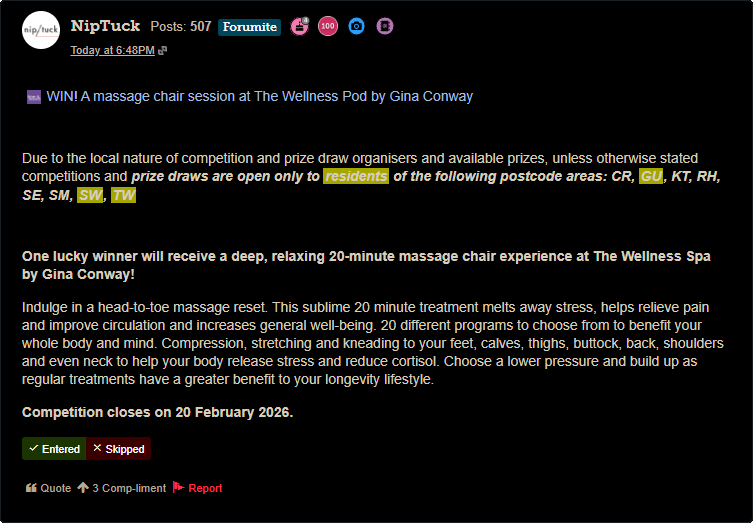
It is not ideal when you apply for lots of competitions each day. It is nice to quickly know where the link will take you.
This started occurring a few days ago. Forum software update, I assume.
Comments
-
That is also a security concern as we are clicking links "blind" whereas all IT security advice to prevent virus malware / other malicious activity is to only click where you can see the whole address that you are being sent to.
0 -
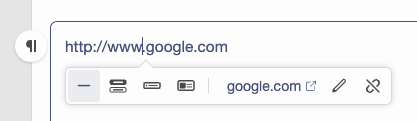
The person posting a link can choose how it appears, including just posting the URL
 Official MSE Forum Team member.Please report all problem posts to forumteam@moneysavingexpert.com0
 -
This.
1 -
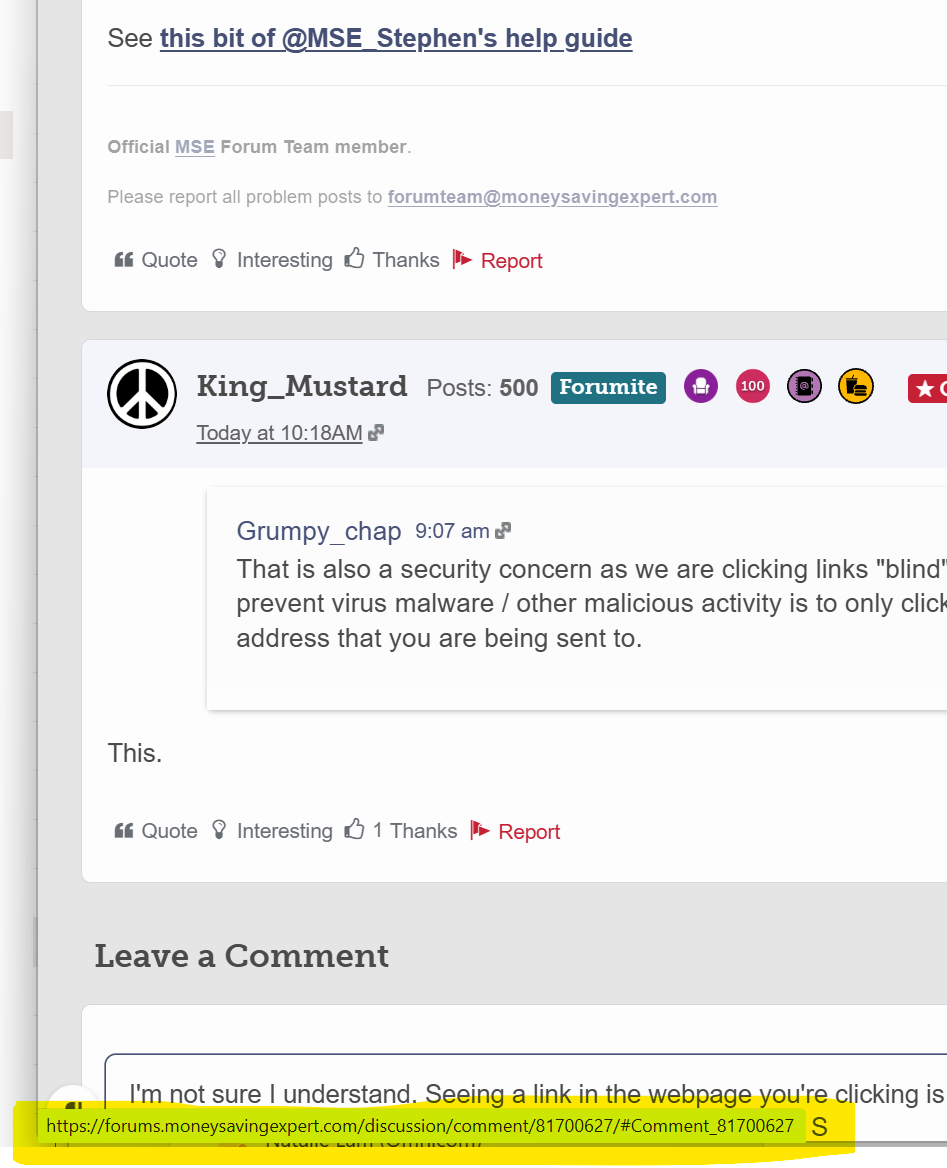
I'm not sure I understand. Seeing a link directly in the content you're clicking is no guarantee that it's the link you will be sent to (scammers often disguise malicious links)
You need to be looking at the bottom left of your browser - or long pressing on your mobile. Here's me hovering over the link 2 posts above in Chrome
 0
0 -
This is not new though. You've always been able to attach a hyperlink to any piece of text. See this post I made in 2005.
The annoying thing now is if you post a link to another post on this site, you cannot insert it as a hyperlink with the full URL exposed - this is automatically converted to a quote of the post.
0 -
The annoying thing now is if you post a link to another post on this site, you cannot insert it as a hyperlink with the full URL exposed - this is automatically converted to a quote of the post.
I get around this problem by missing off the "https://" (and not using rich link) eg.
forums.moneysavingexpert.com/discussion/comment/81860844/#Comment_81860844
1 -
You need to be looking at the bottom left of your browser - or long pressing on your mobile.
This works for all types of links including button links eg.
0











Confirm your email address to Create Threads and Reply

Categories
- All Categories
- 355.7K Banking & Borrowing
- 254.9K Reduce Debt & Boost Income
- 456.1K Spending & Discounts
- 248.3K Work, Benefits & Business
- 605.9K Mortgages, Homes & Bills
- 179K Life & Family
- 263.7K Travel & Transport
- 1.5M Hobbies & Leisure
- 16.2K Discuss & Feedback
- 37.7K Read-Only Boards