We’d like to remind Forumites to please avoid political debate on the Forum.
This is to keep it a safe and useful space for MoneySaving discussions. Threads that are – or become – political in nature may be removed in line with the Forum’s rules. Thank you for your understanding.
Internet keeps dropping




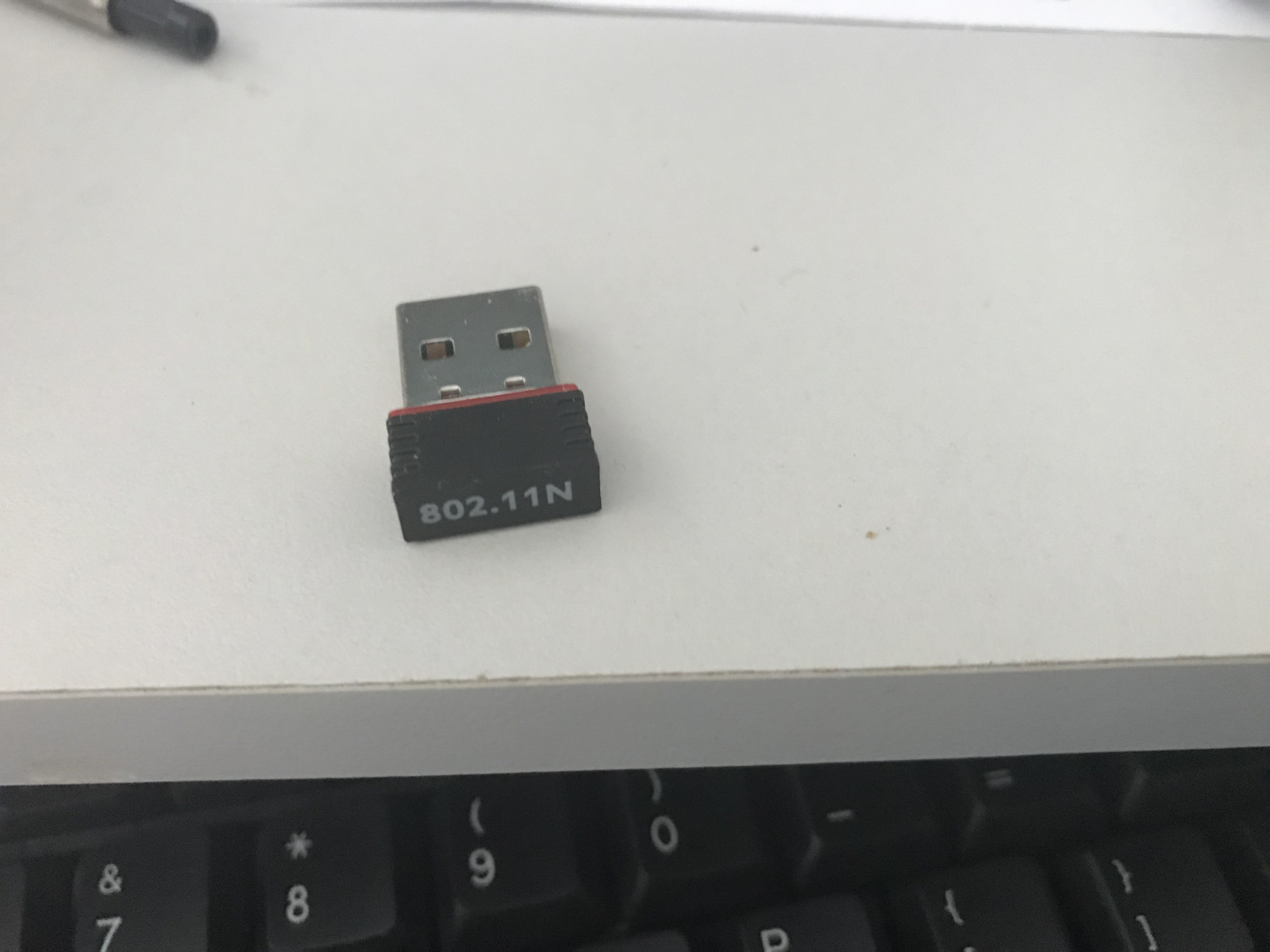
just upgraded to full fibre, and now internet keeps dropping, before it was working perfectly, when I sit alongside with an iPad it still works perfectly, talktalk provided a brand new router, the desktop is old and the Wi-Fi is this one, I’ve followed instructions on ChatGPT, I’ve reinstalled windows same problem, can anyone help?
Comments
-
Is the iPad working OK from the other side of the room from the router?
Go to fast.com, what does it say the speed is?
Is the desktop in the same room? Does it have a network port/do you have a cable to hardwire the PC to the router to check again?
No experience of it but TalkTalk have a WiFi Assist app, maybe give that a try?
1 -
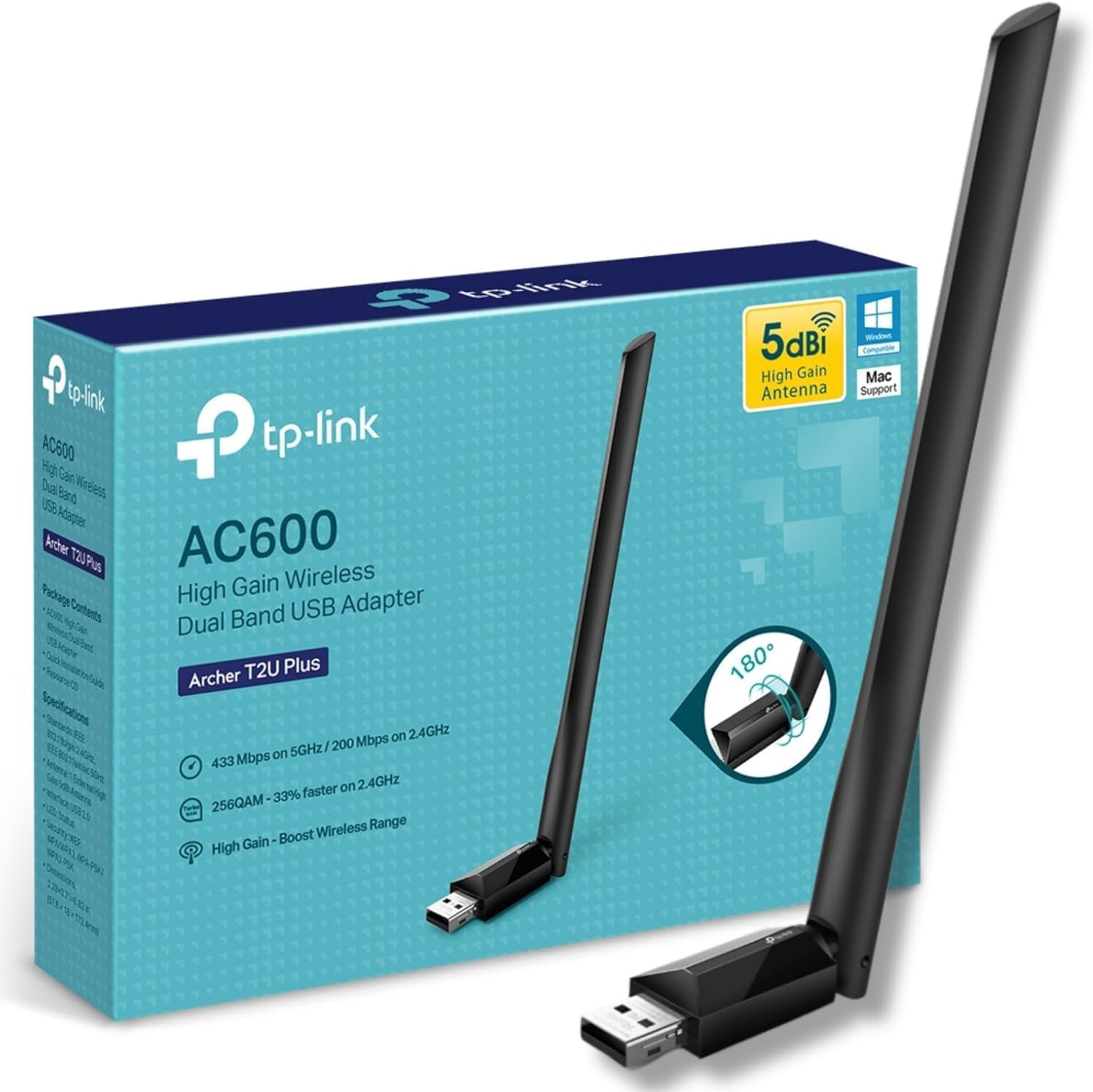
802.11n is an older Wi-Fi standard, if you see “802.11n only” on a router or adapter, it is probably dated and may be a bottleneck. Try a newer USB dongle with a proper aerial
 2
2 -
That Wifi dongle is pretty old technology, worth upgrading.
Is it dual band?
Things that are different: draw & drawer, brought & bought, loose & lose, dose & does, payed & paid1 -
That wifi dongle is wifi 4 I think, get a wifi 5 or 6 usb dongle from Amazon or a local shop but do plug it into a USB 3 port (assuming you have one). Get one similar to the one above or a wired antenna that has (preferably) line of sight to the router. The other option if the PC hasan ethernet port and is near enough is to plug a cat 5e or 6 ethernet cable between the two.
1 -
As others have said, your existing dongle is old, and is probably not connecting to your new router very reliably.
My main desktop is upstairs in the opposite corner of my house to the router. After many trials with different hardware, I ended up with a PCIe card in the computer with an external antenna. This worked great, on both 5GHz and 2.4GHz. I ended up configuring my router to deny a 2.4GHz connection to the desktop to force it to always use 5GHz, which it has done ever since. That was before WiFi6 came out, but it works great on WiFi5 and always gives me the full 250Mbps download speed my broadband is rated at.
You'll pay a bit more for the adapter, and it needs a free slot, so it's not exactly money saving, but worth it IMO. Buy from somewhere you can return at no cost and start with a low cost solution then work your way up as necessary.
I’m a Forum Ambassador and I support the Forum Team on the In My Home MoneySaving, Energy and Techie Stuff boards. If you need any help on these boards, do let me know. Please note that Ambassadors are not moderators. Any posts you spot in breach of the Forum Rules should be reported via the report button, or by emailing forumteam@moneysavingexpert.com.
All views are my own and not the official line of MoneySavingExpert.
2 -
That's a good shout if the other options don't work. A TP-Link one for £30 or £53 for the wired antenna version if the back of the PC is too low or buried and it gives you bluetooth if needed.
https://www.amazon.co.uk/TP-Link-Dual-Band-Bluetooth-specialized-Ultra-Low/dp/B0B12ZC588?th=1
1







Confirm your email address to Create Threads and Reply

Categories
- All Categories
- 355.8K Banking & Borrowing
- 254.9K Reduce Debt & Boost Income
- 456.1K Spending & Discounts
- 248.3K Work, Benefits & Business
- 605.9K Mortgages, Homes & Bills
- 179K Life & Family
- 263.7K Travel & Transport
- 1.5M Hobbies & Leisure
- 16.2K Discuss & Feedback
- 37.7K Read-Only Boards