We’d like to remind Forumites to please avoid political debate on the Forum.
This is to keep it a safe and useful space for MoneySaving discussions. Threads that are – or become – political in nature may be removed in line with the Forum’s rules. Thank you for your understanding.
Print train tickets?





Four people going on a return train journey.
Being old fashioned we prefer paper tickets.
Bought on line but it seems to want to print two pages per person.
I use FoxIT pdf reader but for the life of me I can't get the two tickets to go onto one piece of paper! (also tried Edge and Firefox)
Is there a way?
Comments
-
Got an option to print double-sided?
To be clear, the ticketing site has generated an 8 page pdf or maybe 4 x 2 page?
Working on a Windows PC or a mobile?
Usually a PDF reader or browser will hand off a printing job to the software that's talking to your printer - what's your setup?
1 -
There's a tick box for 'double sided' but my printer doesn't do that without a lit of faffing
We have four pdf's of 2 pages each, but the tickets are 'long thin' ones and should easily fit onto one piece of paper
W10 PC but also could use Android or aPple phones to our wireless Canon inkjet.
I hope the above 3 have answered your 4th question.
0 -
Have you installed the Canon PRINT application on your Windows box?
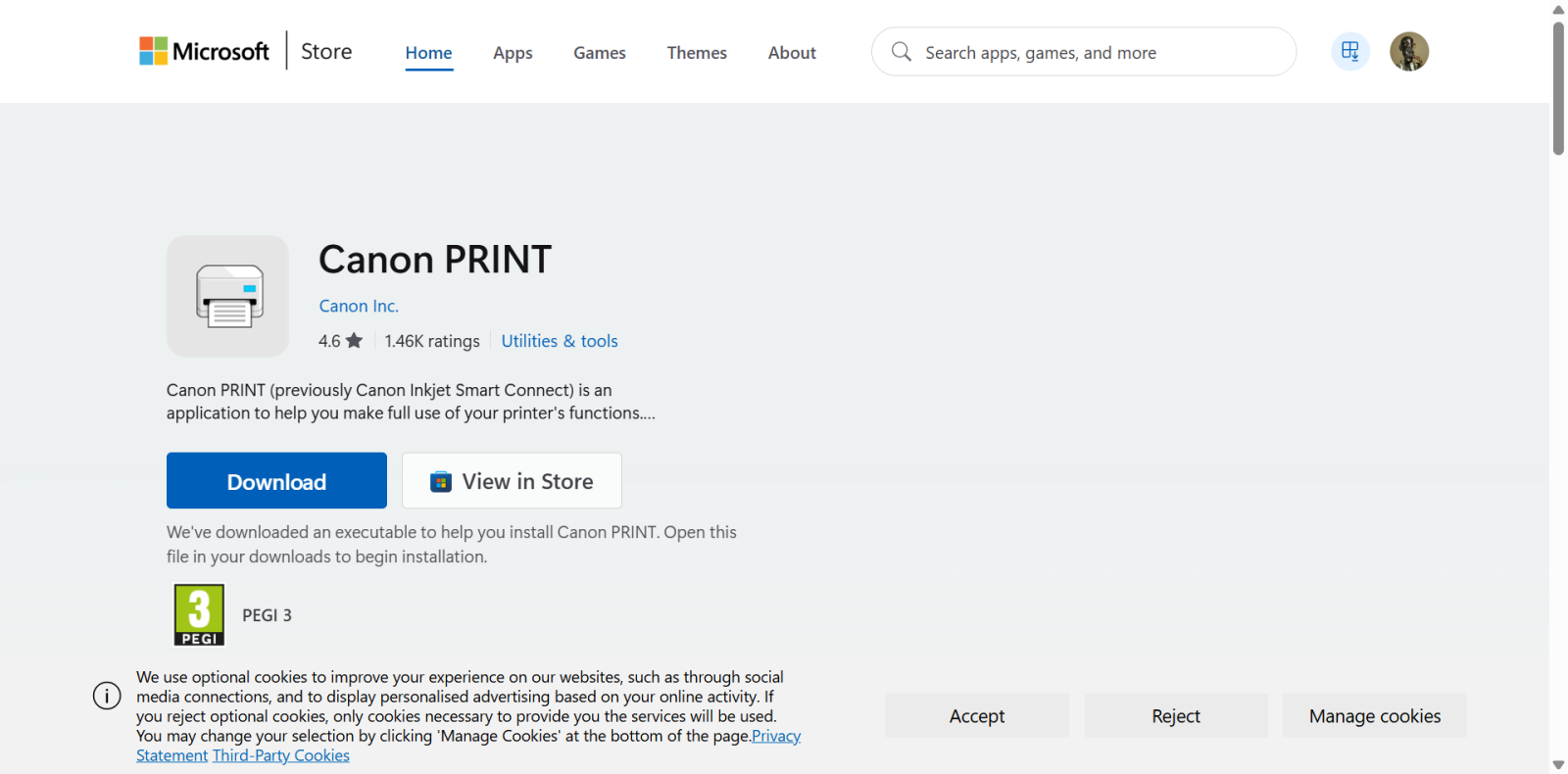
Might have better formatting options available.
0 -
I've never found a way to do it with just PDF without using more paper than I want to.
My method is to use PDF Gear to convert them into JPG. Then in Irfanview I copy and paste special (to the side) them into one JPG then print that one page.Let's Be Careful Out There0 -
It does seem as though some companies have shares in the manufacture of Paper and Printer Ink.
What can easily fit a page of A4 is so often expanded with Logos, Spaces and Ads besides the T&Cs. I have spent many hours over the years converting them to what I actually want - and don't get ne going about the acres of pagers of colour.
0 -
Is there no option to print just the page you need?
Most printing options will allow you to select just the pages you need. Just click on print all pages & it gives other options.
This is using word, which will open PDF
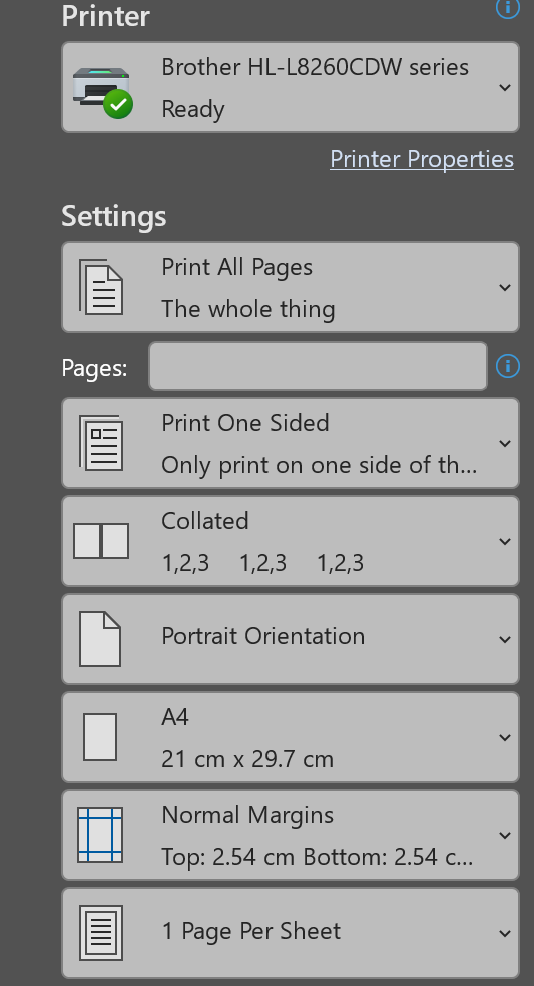 Life in the slow lane0
 -
Presumably it's not one out and one return ticket, that can happen often online even though you think you have a return ticket.
0 -
When I buy a day return I get two PDF tickets
Let's Be Careful Out There0 -
OP should be able to do this from the print dialogue rather than by changing the PDF itself. Look for “pages per sheet” and set it to 2. I’d print one test sheet first to make sure the barcode remains clear enough to scan.
0 -
Thanks all - it seems to be very complicated
When I tick the box saying '2 pages per sheet' it just squeezes then into about a quarter of the page, making it illegible!
😡
0











Confirm your email address to Create Threads and Reply

Categories
- All Categories
- 355.8K Banking & Borrowing
- 254.9K Reduce Debt & Boost Income
- 456.1K Spending & Discounts
- 248.3K Work, Benefits & Business
- 605.9K Mortgages, Homes & Bills
- 179K Life & Family
- 263.7K Travel & Transport
- 1.5M Hobbies & Leisure
- 16.2K Discuss & Feedback
- 37.7K Read-Only Boards