We’d like to remind Forumites to please avoid political debate on the Forum.
This is to keep it a safe and useful space for MoneySaving discussions. Threads that are – or become – political in nature may be removed in line with the Forum’s rules. Thank you for your understanding.
📨 Have you signed up to the Forum's new Email Digest yet? Get a selection of trending threads sent straight to your inbox daily, weekly or monthly!
Norton core protection alerts





Hi
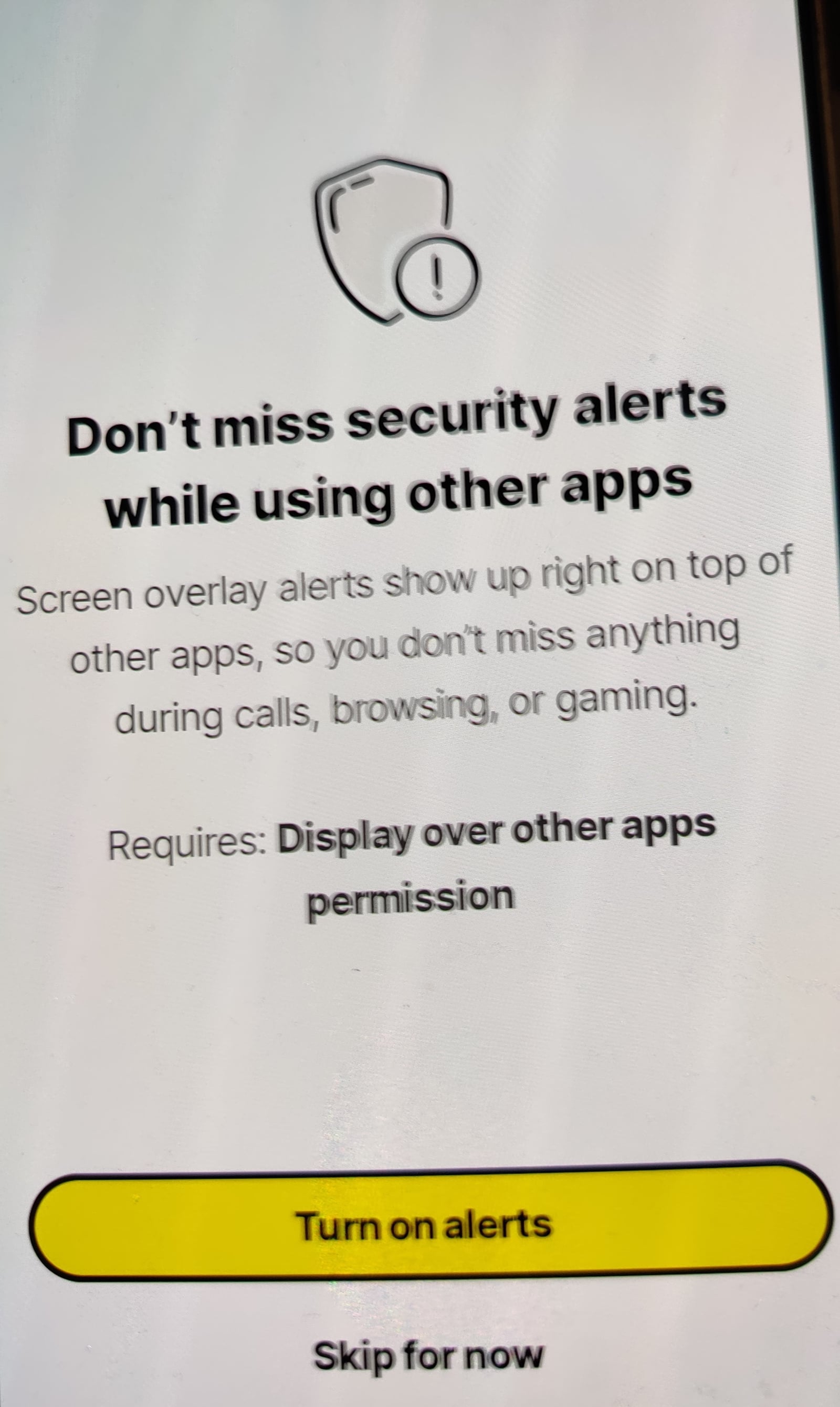
When trying to set up Microsoft 355 Outlook core protection alert keeps going off and telling me to allow permission on apps even though I have had the app on my phone for over a year.
The only way I noticed is because I had an issue with my e mail address and had to delete the Outlook app reinstall and changed my password.
But now when I try to log in to outlook I am unable to and get the wrong password details on outlook yet all entered details are correct.
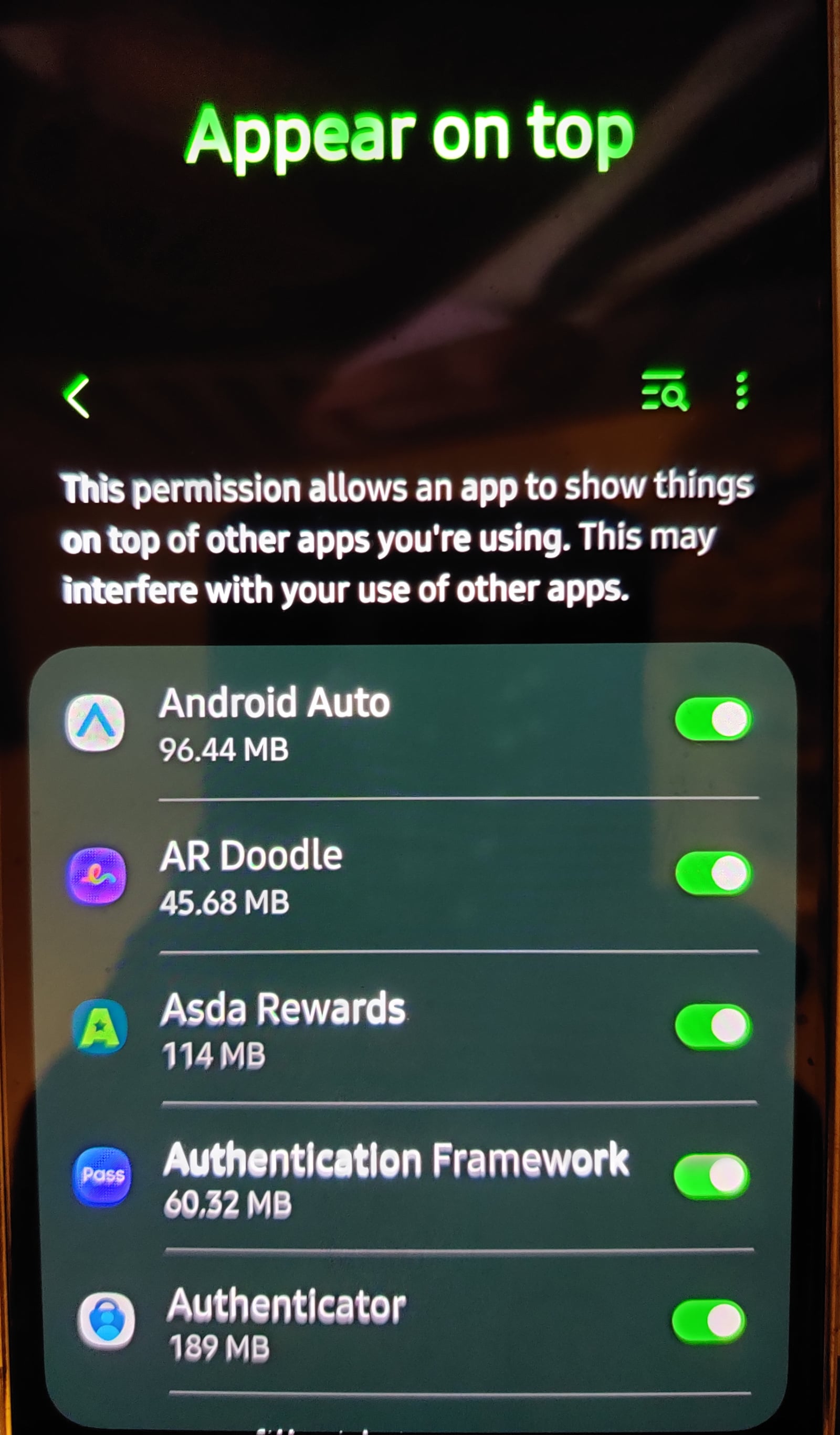
I have set all the apps to allow like requested by Norton yet Norton still keeps going round in a circle repeating its alerts.
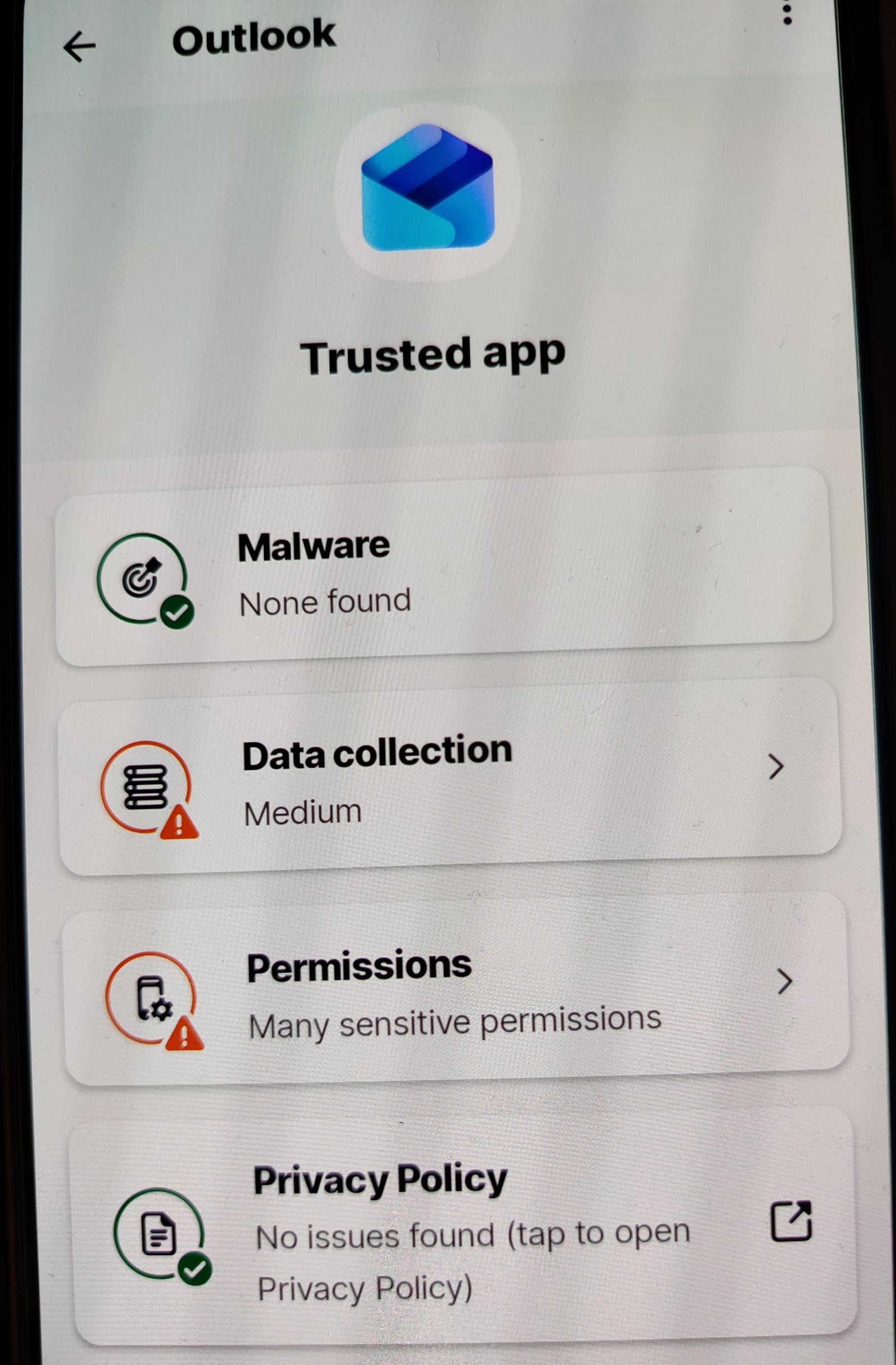
Everything on the app is set to allow and trusted.
Even other apps are now setting off the core protection alerts.
Product & version number: Norton 360 with LifeLock advantage
Version 26. 5. 0. 2603262223
OS details: Android 16
What is the error message you are seeing?
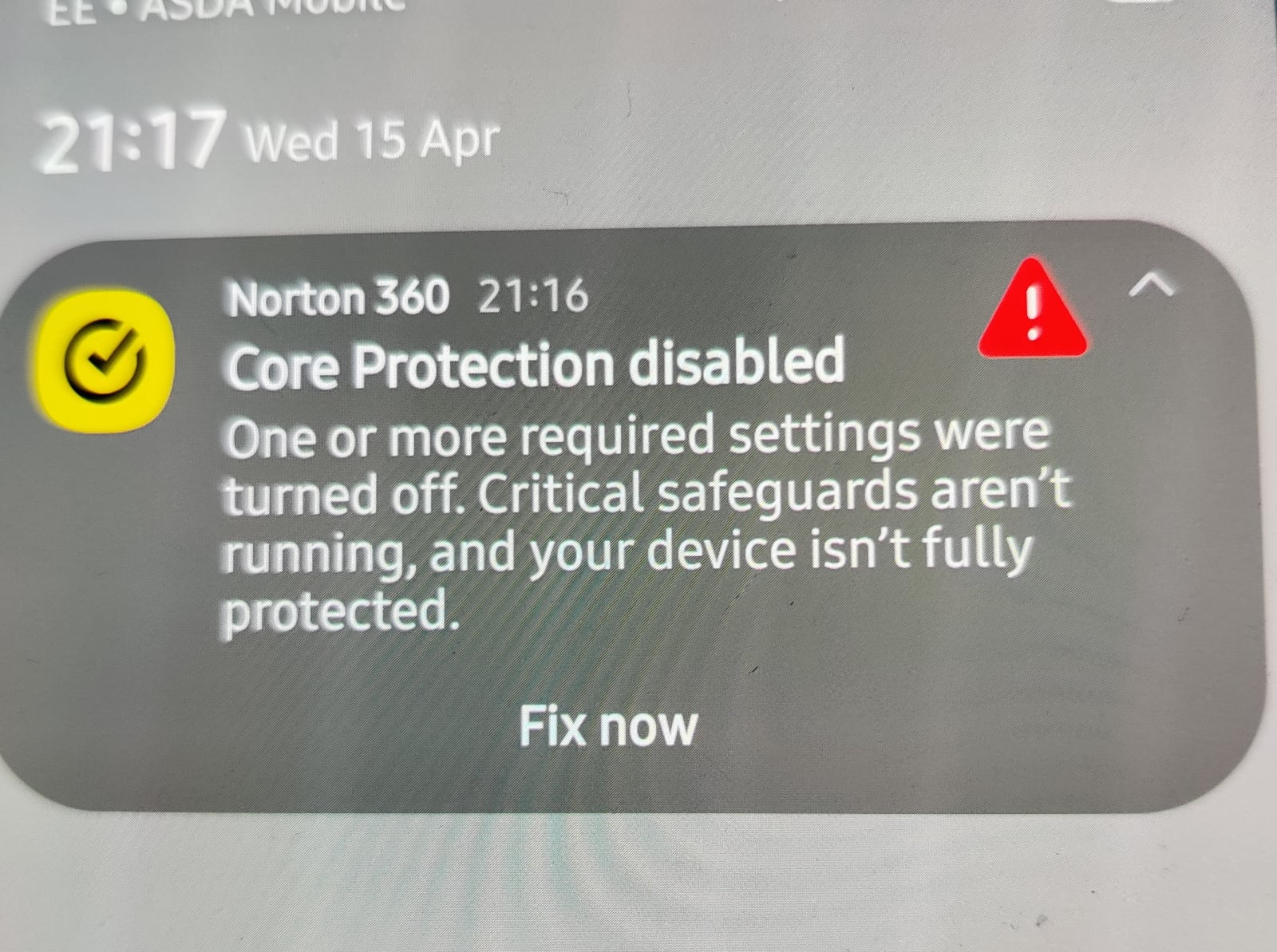
Core protection disabled
One or more required settings were turned off.
Critical safeguards aren't running your device isn't fully protected.
Any help please.
Thanks
Comments
-
Dunno what you've installed that for, the NCSC says you don't need it on Android:
https://www.ncsc.gov.uk/guidance/what-is-an-antivirus-product
"Do I need antivirus products on my smartphone and tablet? No, provided that you only install apps and software from official stores such as Google Play and the Apple App Store."
I would suggest uninstalling your Norton and if your related Outlook problem goes away you know what's causing it.
1 -
Unless you are in the habit of installing apps not from the Google Play Store then I don't think most users would benefit from having Norton (or any other anti-virus) installed.
Uninstall it, sort out Outlook and if you must, put it back.
Do you have access to Outlook on another device (laptop, tablet) just to show that the login credentials you use are really OK?
1




Confirm your email address to Create Threads and Reply

Categories
- All Categories
- 355.8K Banking & Borrowing
- 254.9K Reduce Debt & Boost Income
- 456.2K Spending & Discounts
- 248.3K Work, Benefits & Business
- 605.9K Mortgages, Homes & Bills
- 179K Life & Family
- 263.7K Travel & Transport
- 1.5M Hobbies & Leisure
- 16.2K Discuss & Feedback
- 37.7K Read-Only Boards