We’d like to remind Forumites to please avoid political debate on the Forum.
This is to keep it a safe and useful space for MoneySaving discussions. Threads that are – or become – political in nature may be removed in line with the Forum’s rules. Thank you for your understanding.
📨 Have you signed up to the Forum's new Email Digest yet? Get a selection of trending threads sent straight to your inbox daily, weekly or monthly!
Google Chrome - news feeds





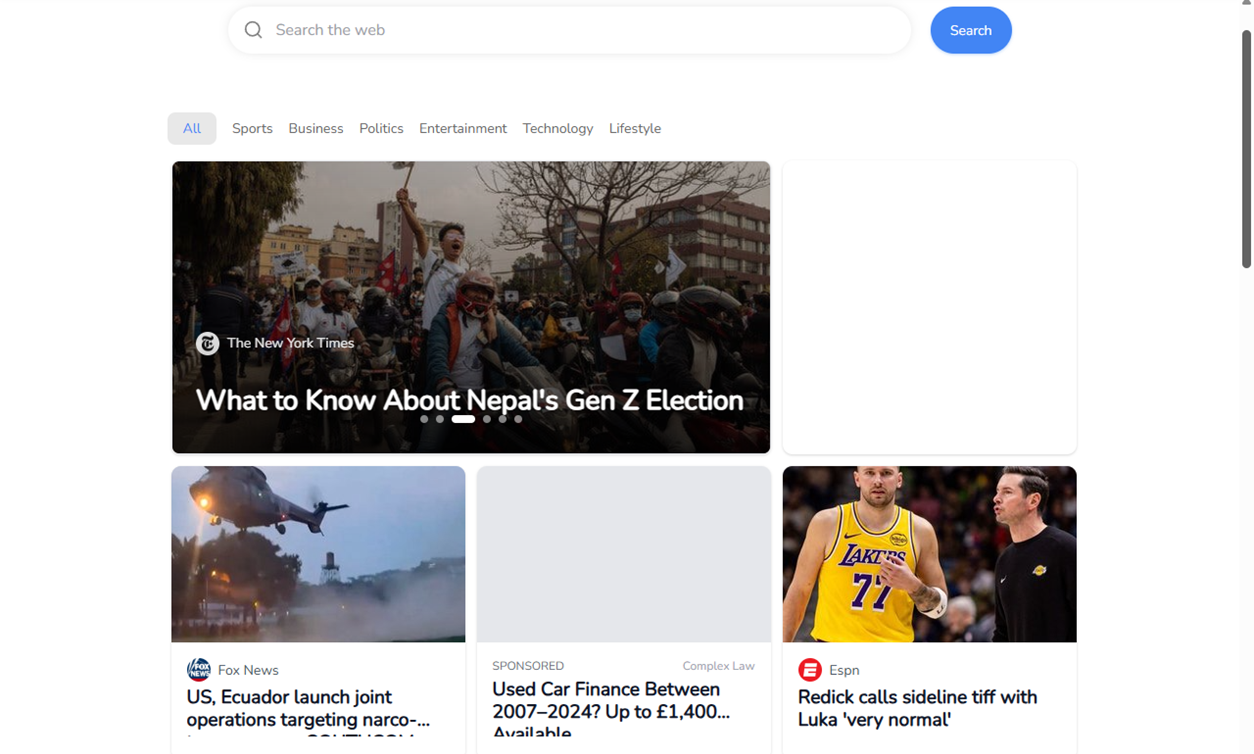
Last week, without any intervention on my part, nor any apparent updates, my previously clean page when using Google Chrome was infested with news feeds and adverts. I have searched intensively (or so I thought) for a solution without success. Every solution offered tells me to go to the settings page (first stop I made) and there you can [various solutions] which don't work because the option isn't offered to me or my settings page is different to the solution suggested.
My O/S is Windows 11 and is up-to-date. On Saturday another anomaly occurred, the PrintScreen button wouldn't create a screenshot but insisted on taking me to the snipping tool (which I have never used). I sorted this but yet again, I hadn't initiated it, not had there been any updates.
Any ideas anyone please?
Comments
-
More details needed.
Wat "clean page" would this be then?
Print Screen in Windows 11 has always been the Snipping tool, it was retro Windows until some point in Windows 10's life.
1 -
Clean page was just a white page with the Google search box bang slap in the middle, now the page is populated with small squares containing news.
Your Windows 11 might have always been the snipping tool but mine (and Windows 10) had previously been a print screen which copied the current page to the clipboard.
Thanks for you reply and interest.
0 -
In each small square if you hover over it or click on it I forget which can you see three dots which you can click and delete that Square?
Also, in settings 'on startup' have you set it to open a specific page i.e www.google.co.uk
1 -
Also, in settings 'on startup' have you set it to open a specific page i.e www.google.co.uk
Thank you , this was the one! I thought I had set it to Google but it had been altered to "open a new tab"
ETA, this only works for the first TAB, trying to open a subsequent TAB gives me the same problem of news feeds.
0 -
Try the following:-
Reset settings?
This action will:
• Reset some Chrome settings and Chrome shortcuts
• Disable extensions
• Delete cookies and other temporary site data
Bookmarks, history and saved passwords won't be affected.Learn more0 -
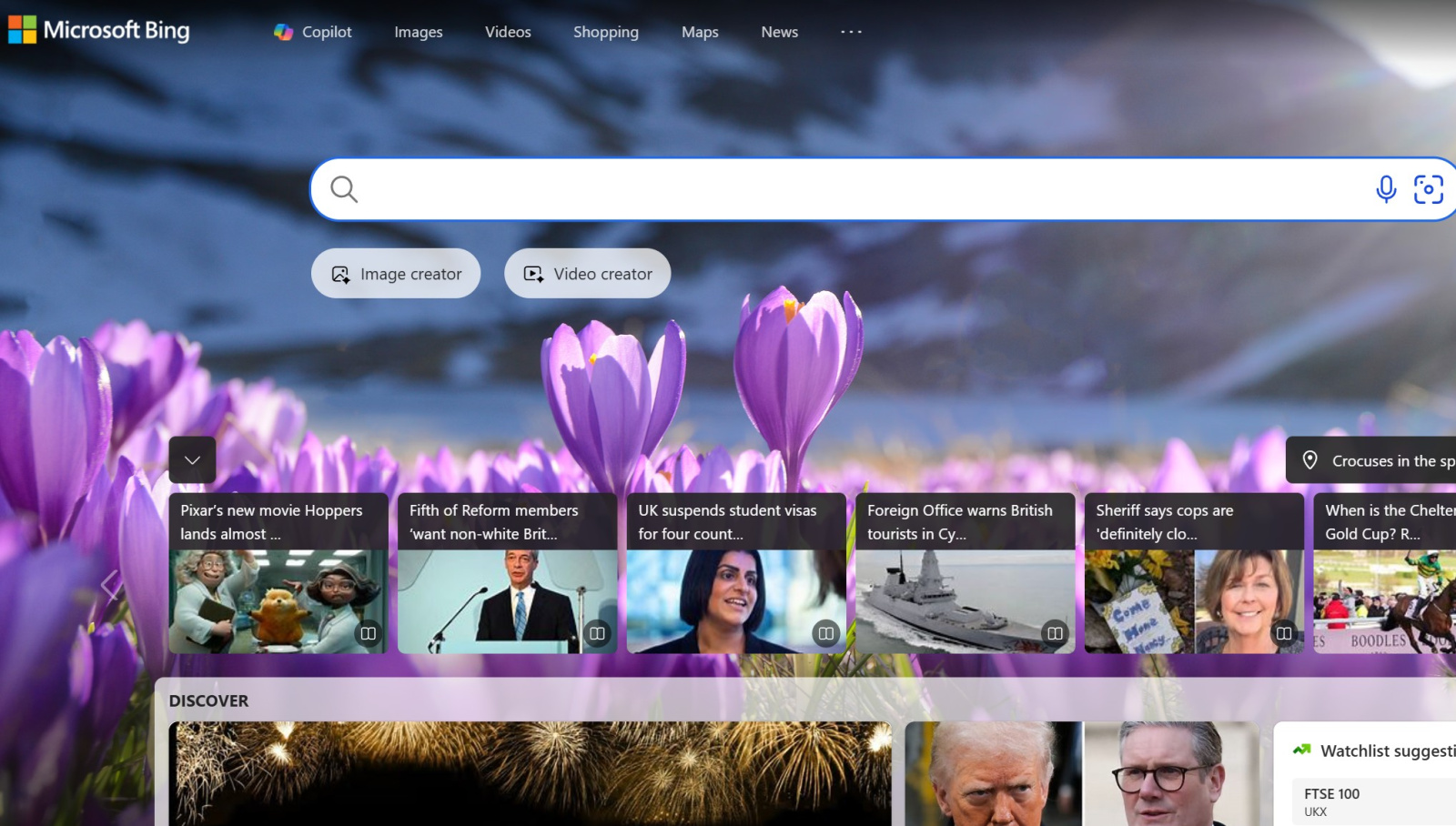
Just had a thought, I've recently had the MS Bing search page open up along with my usual homepage a few times, is it this perhaps you're seeing (the address bar will have bing.com in it) ?
 0
0





Confirm your email address to Create Threads and Reply

Categories
- All Categories
- 355.8K Banking & Borrowing
- 254.9K Reduce Debt & Boost Income
- 456.2K Spending & Discounts
- 248.3K Work, Benefits & Business
- 605.9K Mortgages, Homes & Bills
- 179K Life & Family
- 263.7K Travel & Transport
- 1.5M Hobbies & Leisure
- 16.2K Discuss & Feedback
- 37.7K Read-Only Boards