We’d like to remind Forumites to please avoid political debate on the Forum.
This is to keep it a safe and useful space for MoneySaving discussions. Threads that are – or become – political in nature may be removed in line with the Forum’s rules. Thank you for your understanding.
Unable to login to Raisin





Raisin keep sending me nag emails telling me my monthly account statement is available. This is despite the fact I have not held an account with them for years.
So I tried to login…
After entering email address & password followed by 2FA, I get this:-
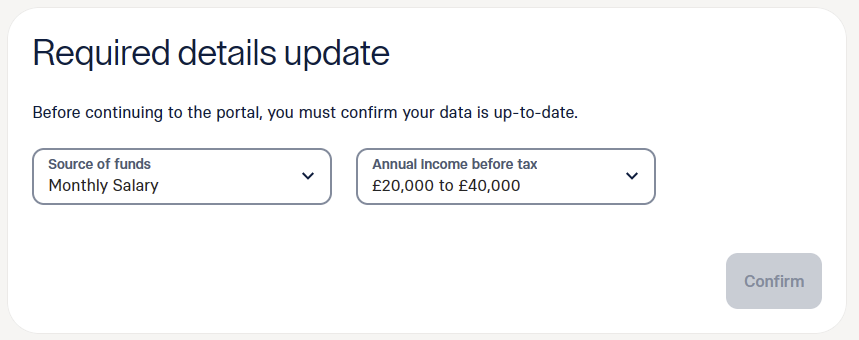
The 'Confirm' button remains greyed out so I am unable to proceed.
I can't even get to the Customer Services contact page.
I have tried both Firefox (disabling uBlock Origin makes no difference) and MS Edge.
Anyone else encountered this problem?
Comments
-
Does the button come to life if you click both the drop-downs and choose the same answer? (ie Monthly salary etc)
0 -
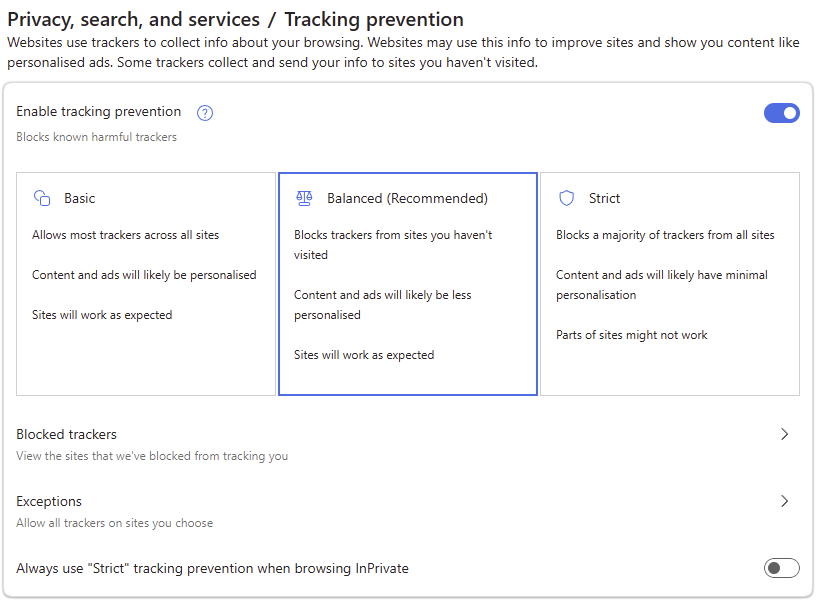
My guess is it's because they are using Tracking Cookies.
These are my Edge settings:-
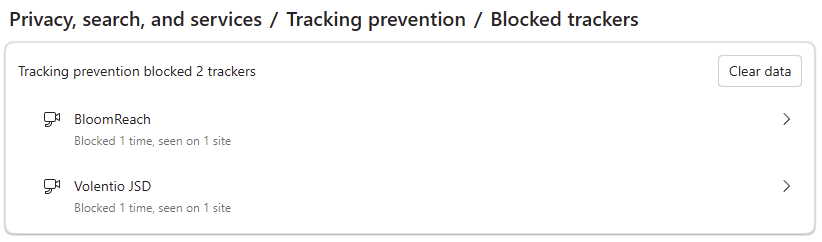
After the login attempt, MS Edge blocked two trackers, both linked to www.raisin.com:-
I could try disabling tracking protection but I don't see why I should.
I think I will just block future emails from raisin and stop using them.
0 -
I eventually found a soloution…
The email I sent to help@raisin.com was a waste of time. Thye don't have a clue.
Turning off tracking protection made no difference.
Then I tried using a VPN. That also made no difference.
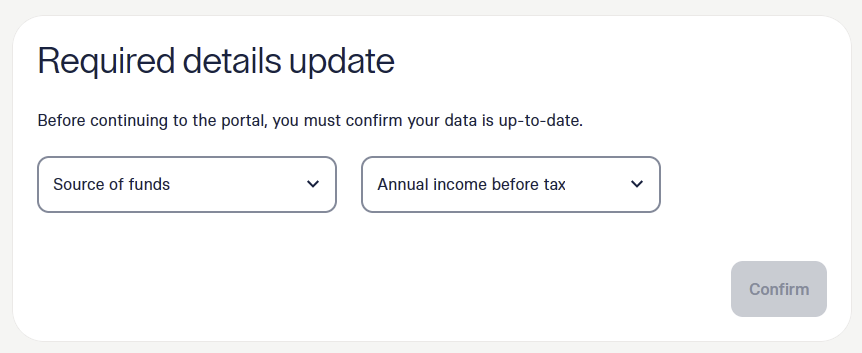
I don't have Chrome installed on my PC so I used my mobile to login. This time the 'Confirm' button was active and I was able to complete the 'Required details update'.
Now I can login normally using Firefox on my PC without the dialog box appearing.
There is clearly something wrong with the dialog box operation. It only appears to work on Chrome.
0



Confirm your email address to Create Threads and Reply

Categories
- All Categories
- 355.7K Banking & Borrowing
- 254.9K Reduce Debt & Boost Income
- 456.1K Spending & Discounts
- 248.3K Work, Benefits & Business
- 605.9K Mortgages, Homes & Bills
- 179K Life & Family
- 263.7K Travel & Transport
- 1.5M Hobbies & Leisure
- 16.2K Discuss & Feedback
- 37.7K Read-Only Boards