We’d like to remind Forumites to please avoid political debate on the Forum.
This is to keep it a safe and useful space for MoneySaving discussions. Threads that are – or become – political in nature may be removed in line with the Forum’s rules. Thank you for your understanding.
iWeb help please




iWeb has now moved to Scottish Widows and I can see my GIA and ISA on Scottish widows website.
How do I register to see these on the Scottish Widows app?
Apparently I should be able to do so but I end up getting nowhere.
Any ideas?
Comments
-
Did you click that chat button to ask them?
0 -
Nothing happens when I click on that. Bizarre.
0 -
Call them ?
03451 241451 is the contact us number from the app.
edit 9-5 mon-fri1 -
If you've entered the correct infomation it should go on to send a code to the phone or tablet you are registering on.
0 -
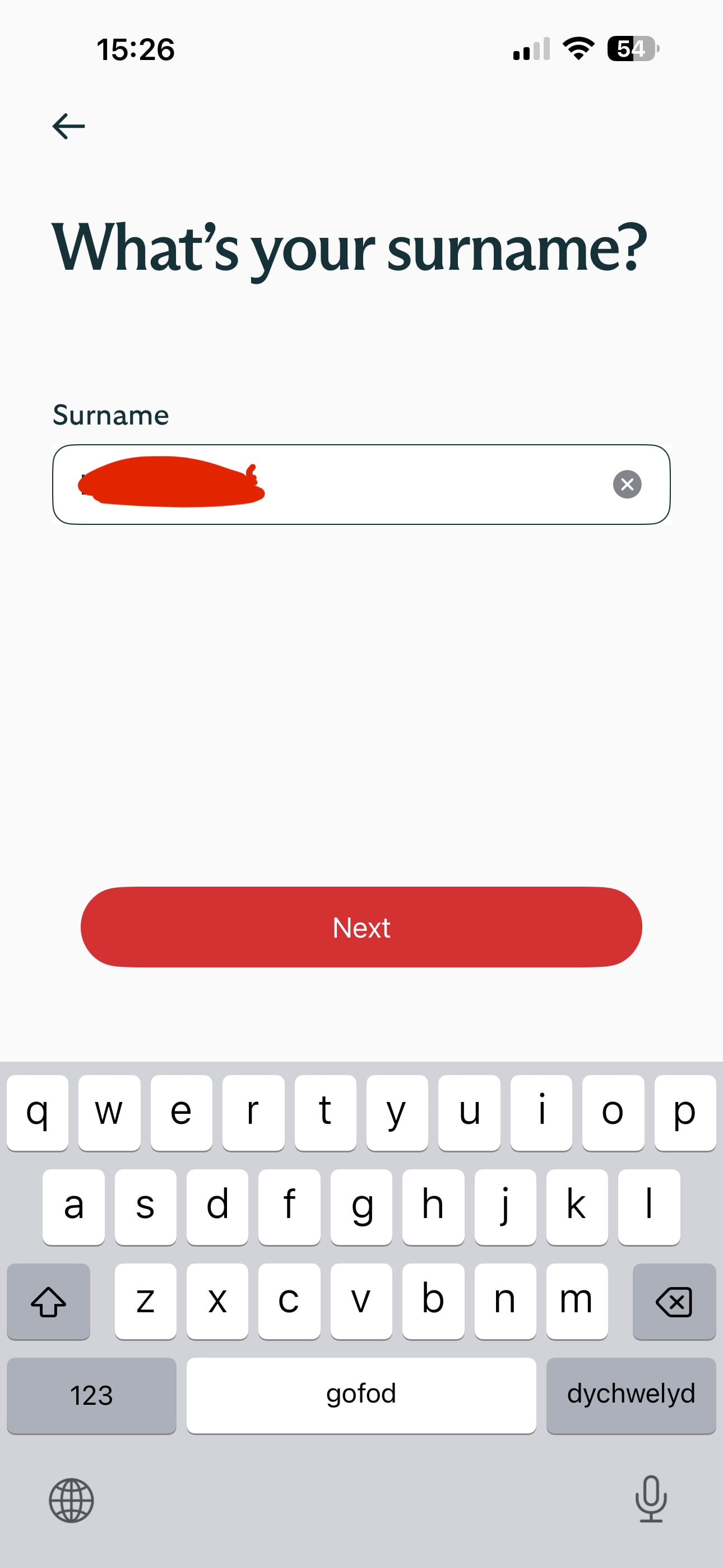
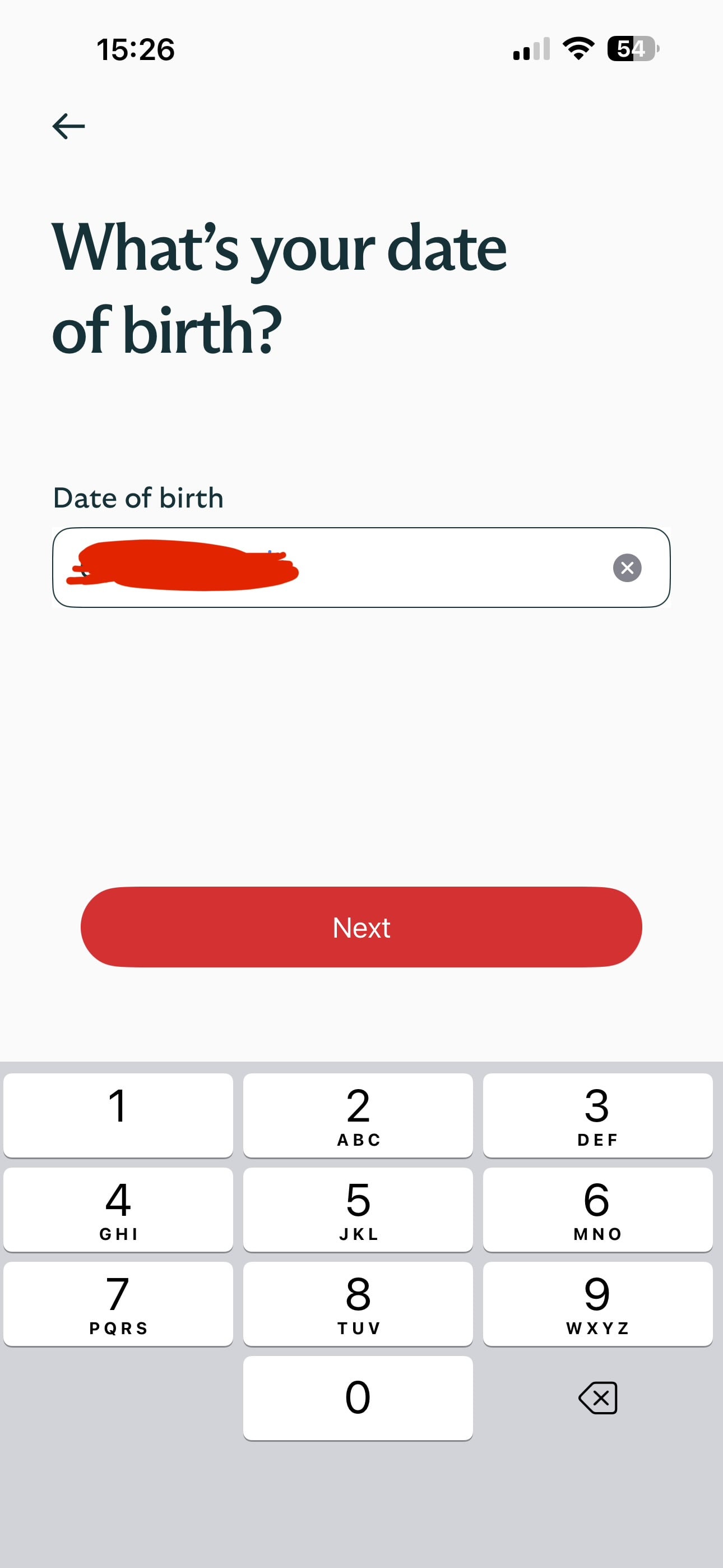
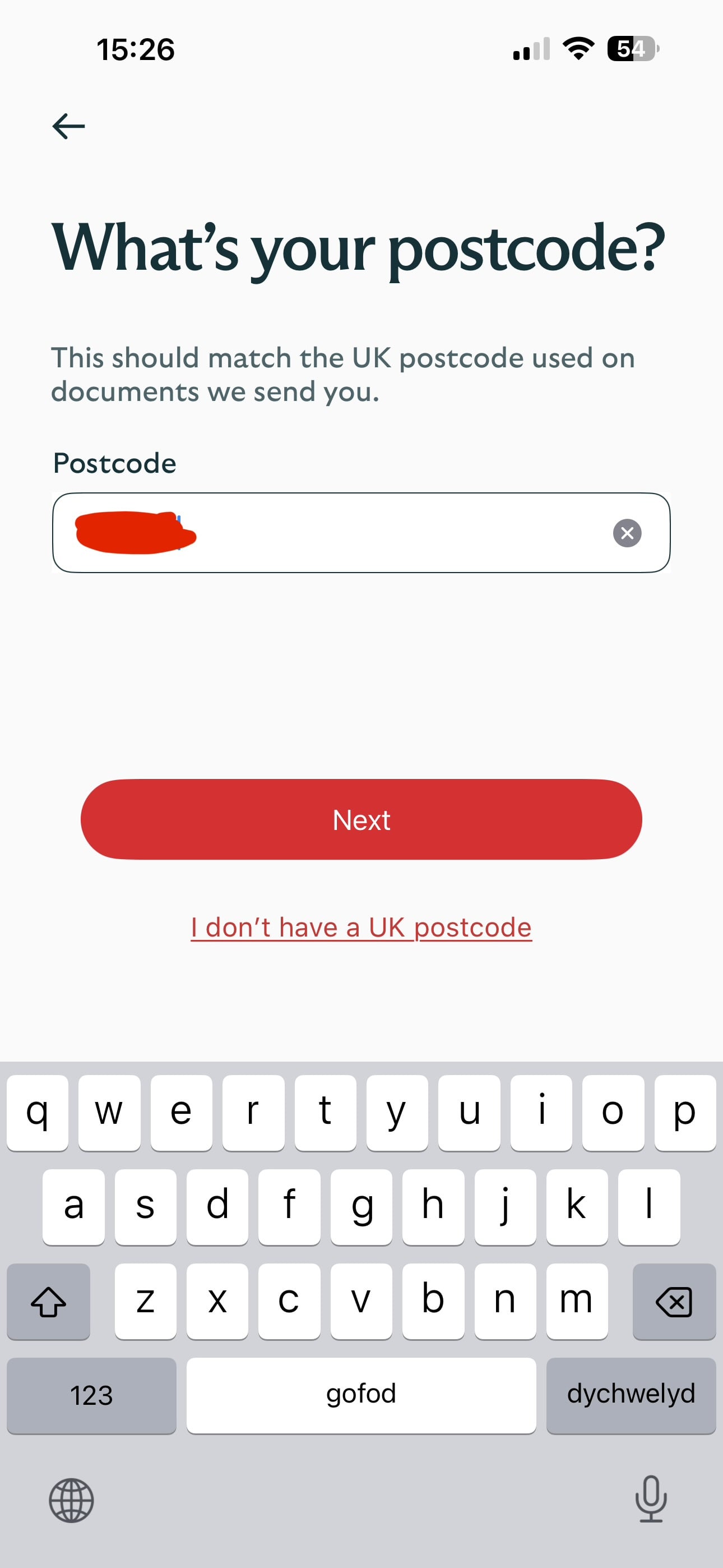
Those screenshots don't really convey what the problem is - is it that after entering the postcode it goes next to that help page? Assuming the name, DOB and postcode details match it should go on to ask for one existing account - an account code can be found using the website. Once a password has been chosen there should be an activation email with a link - the phone might give the option to open it in a browser or app - likely it needs to be the app.
0 -
Those screenshots show the order I was trying to register for the app and getting nowhere.
I have called customer services and they manually set it up at their end so the app works now.
They didn’t know what was causing the issue though.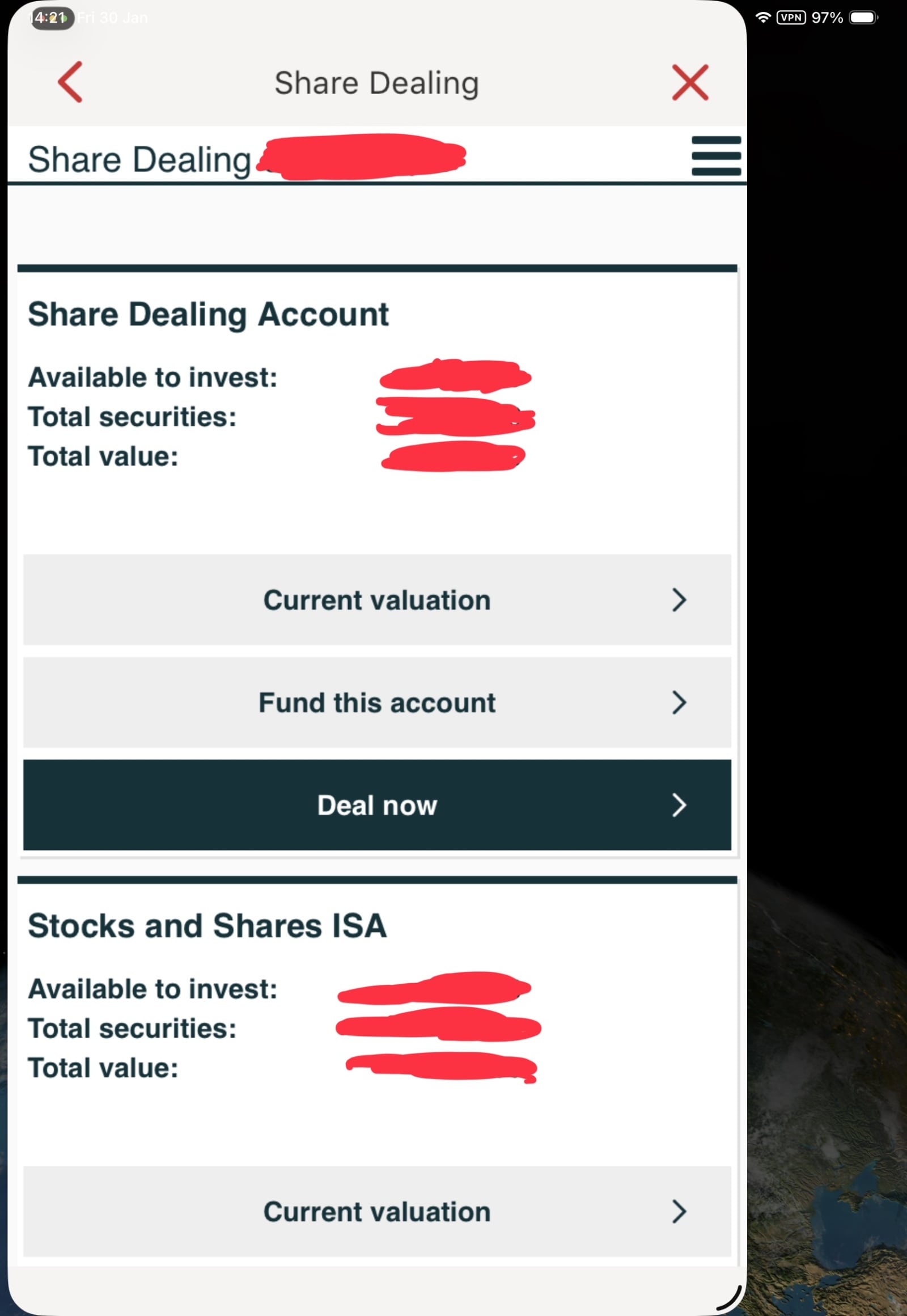 0
0 -
On the subject of Scottish Widows and iWeb, I have a few questions (& challenges), which I am hoping someone on here may know the answer too. Have tried telephoning SW/iWeb a few times today, but after holding for a while, receive a message advising call wait times are 30 mins+
My workplace pension is in the process of transferring to SW. I have the SW app and can see my new pension account, which has recent contributions in (bulk transfer from my previous provider has not yet taken place, but is due to happen soon).
A few weeks back (shortly after my new SW pension had opened & I had set up the SW app), I opened a 'ready made' S&S ISA via the SW app (they had an offer of no fees until July). Ideally, I would have preferred to open an ISA that would have allowed me to chose my own investments (preferably the HSBC FTSE All World fund, which is available via iWeb). I just want to have my pension and S&S ISA with one provider and a 'one stop' portal (the SW app) to view and track performance of everything.Happy to keep the ready made ISA running, but would also now like to open an ISA via iWeb too. My main question is, can I have both? Why does the SW app only offer the ready made ISA? When I go to the iWeb website, I am directed to Scottish Widows and it seems to auto detect my log-in credentials for SW..,,but won't allow me to log in (get the questions about name of school, mothers maiden name…but if I answer correctly, the answers are rejected!),
As is stand, I am reluctant to go through the application process for an 'iWeb' ISA, as I am unclear if customers are allowed to have this alongside the 'ready made' SW ISA….and a bit baffled as to what happens if I complete the iWeb application. Do I receive different log-in credentials to my SW account (if so, a bit confusing, given that both apparently use the same app)
0









Confirm your email address to Create Threads and Reply

Categories
- All Categories
- 355.7K Banking & Borrowing
- 254.9K Reduce Debt & Boost Income
- 456.1K Spending & Discounts
- 248.3K Work, Benefits & Business
- 605.9K Mortgages, Homes & Bills
- 179K Life & Family
- 263.7K Travel & Transport
- 1.5M Hobbies & Leisure
- 16.2K Discuss & Feedback
- 37.7K Read-Only Boards