We’d like to remind Forumites to please avoid political debate on the Forum.
This is to keep it a safe and useful space for MoneySaving discussions. Threads that are – or become – political in nature may be removed in line with the Forum’s rules. Thank you for your understanding.
📨 Have you signed up to the Forum's new Email Digest yet? Get a selection of trending threads sent straight to your inbox daily, weekly or monthly!
What is this Strange Screen?

JohnSwift10
Posts: 580



 Forumite
in Techie Stuff
I disconnect my computer and monitors from the mains every night they are on an extension lead.
So when I throw the switch to turn everything on my computer boots into Windows 11.
Now when I throw the switch I just get a no signal screen and the computer does not turn on, no lights.
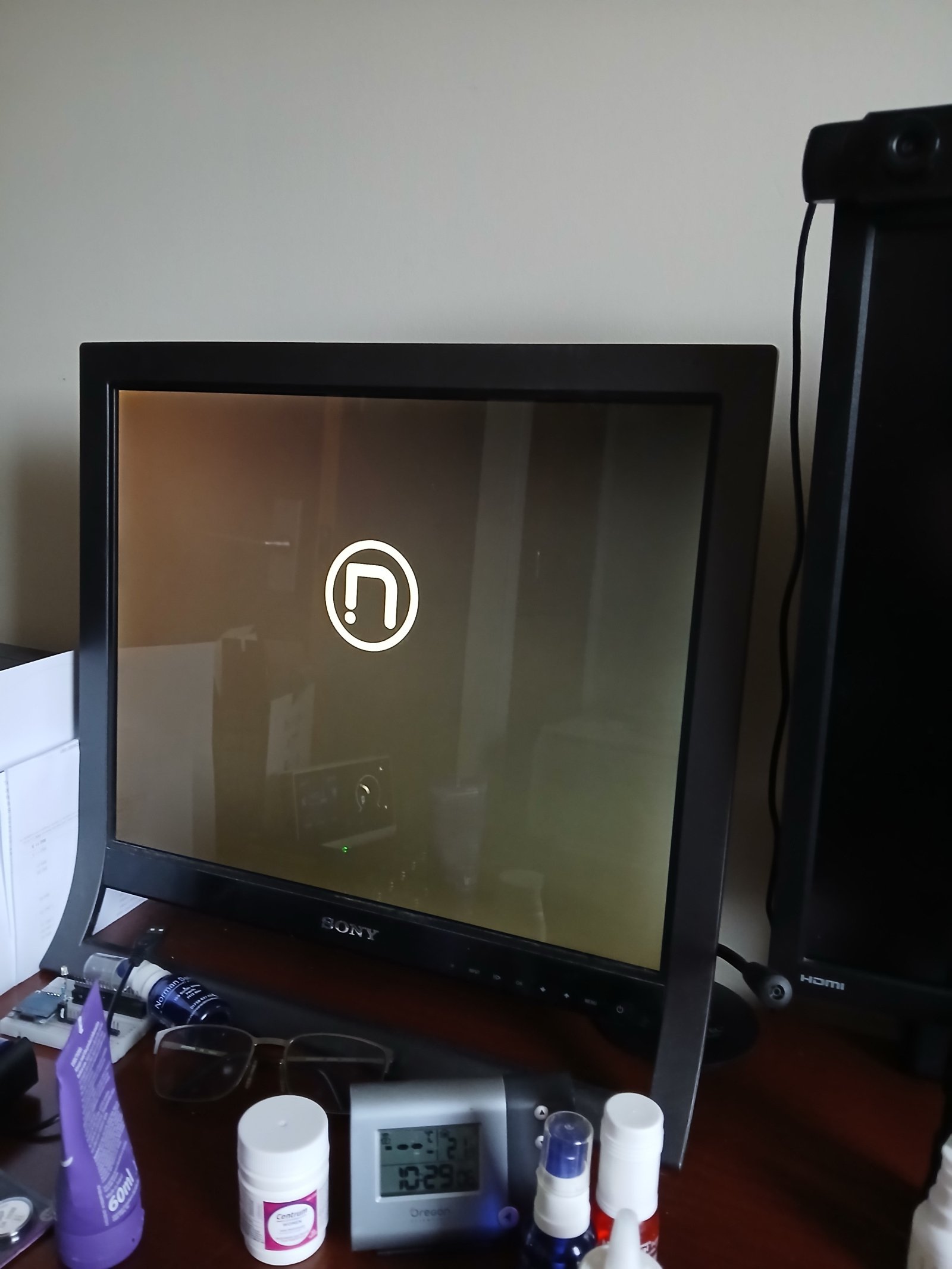
If I then push the button to switch on the computer I get this strange screen for a few seconds then the computer eventually boots up normally and is OK until the next time I cut the power.
The computer is a Novatech with a H310M S2H Gigabyte motherboard and a Samsung M2 SSD 970 Evo plus drive.
It only started to do this after the latest windows update though that could just be a coincidence.
So when I throw the switch to turn everything on my computer boots into Windows 11.
Now when I throw the switch I just get a no signal screen and the computer does not turn on, no lights.
If I then push the button to switch on the computer I get this strange screen for a few seconds then the computer eventually boots up normally and is OK until the next time I cut the power.
The computer is a Novatech with a H310M S2H Gigabyte motherboard and a Samsung M2 SSD 970 Evo plus drive.
It only started to do this after the latest windows update though that could just be a coincidence.
0
Comments
-
That looks like the BIOS splash screen.You didn't see it before because Windows was starting automatically when you turned the PC on and the monitor hadn't initialised in time to display that stage of boot.Now something has changed in your power-on settings, Windows doesn't start until you press the power button and the monitor is ready in time to show the BIOS splash.N. Hampshire, he/him. Octopus Intelligent Go elec / Fuse gas / Vodafone BB / iD mobile. Kirk Hill Co-op member.Economy 7 cap explainer. Gas vs E7 vs peak elec heating costs, Ecoflow Stream, Best kettle :-)
2.72kWp PV facing SSW installed Jan 2012. 11 x 247w panels, 3.6kw inverter. 37 MWh generated, long-term average 2.6 Os.4 -
Before the latest windows update the Gigabyte screen showed not that screen.
0 -
That is the Novatech logo, as you'll see if you visit their website.3
-
That 'strange screen' is your Boot Screen (AKA a Bootsplash, or Splashscreen) showing a Novatech logo.
It is normal and most computers will briefly show a boot screen with the computers, sometimes the motherboard, manufacturers logo when you power them on and they run a POST (Power On Self Test).
Although with some it can be so fast that blink and you'll miss it.It shows when you boot and before Windows is loaded.
It is there for a reason - You can use the 'F' keys if/when you need to get into BIOS/UEFI from the boot screen before Windows has loaded, or if Windows (or your OS of choice) isn't loading.Are you Shutting Down/Hibernating before powering off?
If not then your computer may think there is a fault and so is doing a longer POST.
Or as you say; if it has changed the it may be the Windows Update that changed a setting.PS. If your computer is in Hibernate or sleep then you won't see a Boot Screen when you wake it again.
1 -
Are you actually shutting down properly? If you disconnect the power, you should first perform a "shut down" or "hibernate" - not a "sleep".
Most modern BIOSs I've seen have the option to start on power-up following a power-cut, but I've not seen one that offers it after a clean shutdown.1 -
After doing some digging around in the BIOS settings I have my computer booting as it used to boot.
So what caused the on power on restart to change to on power on do nothing and the boot screen to change from quick boot screen?
Could windows update cause this or is the BIOS cmos battery on the way out?
The computer is 6 years old.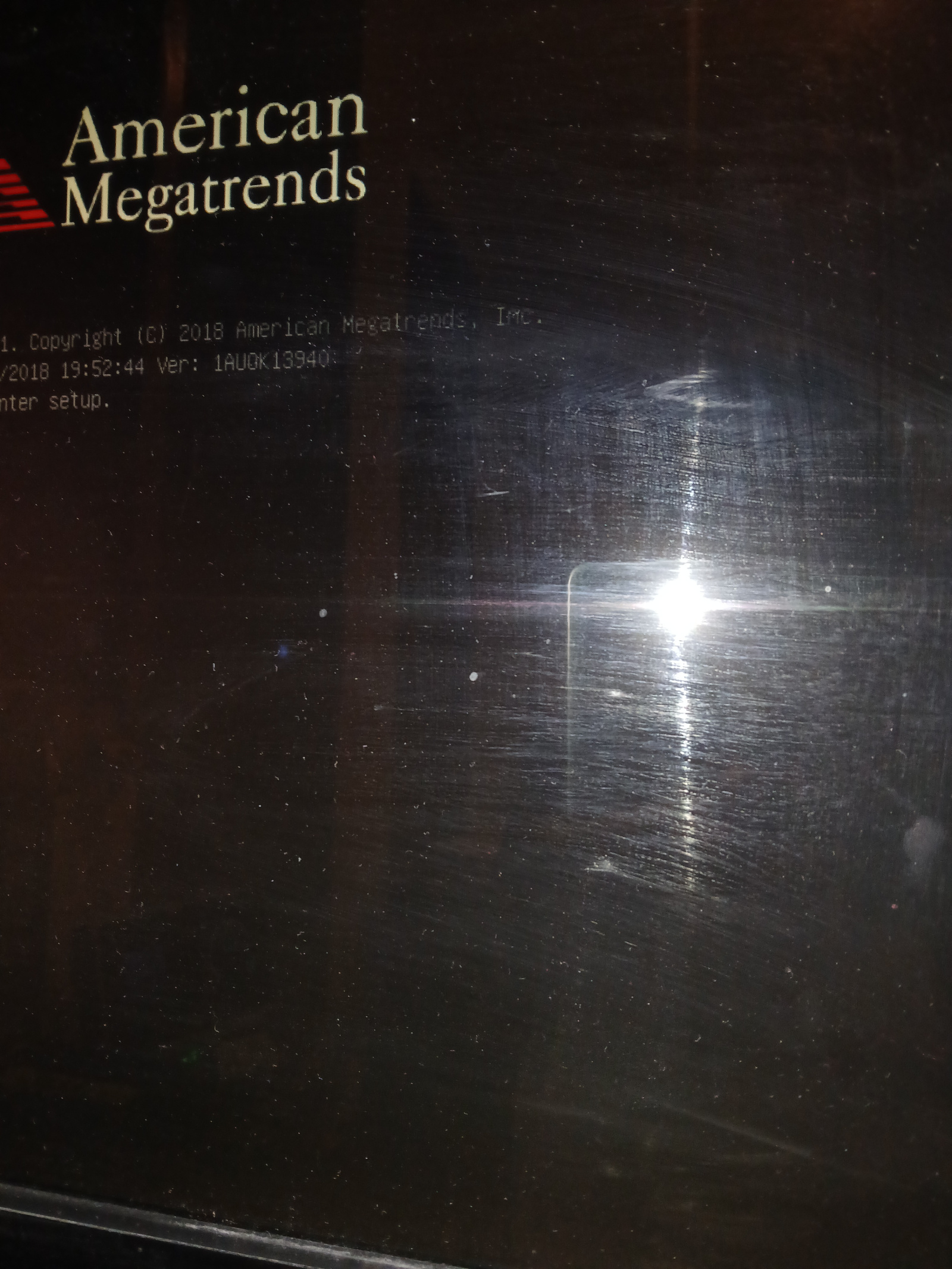
0 -
And nobody suggested it needed a new cmos battery
It did0







Confirm your email address to Create Threads and Reply

Categories
- All Categories
- 355.8K Banking & Borrowing
- 254.9K Reduce Debt & Boost Income
- 456.2K Spending & Discounts
- 248.3K Work, Benefits & Business
- 605.9K Mortgages, Homes & Bills
- 179K Life & Family
- 263.8K Travel & Transport
- 1.5M Hobbies & Leisure
- 16.2K Discuss & Feedback
- 37.7K Read-Only Boards