We’d like to remind Forumites to please avoid political debate on the Forum.
This is to keep it a safe and useful space for MoneySaving discussions. Threads that are – or become – political in nature may be removed in line with the Forum’s rules. Thank you for your understanding.
📨 <b>Have you signed up to the Forum's <a href="https://forums.moneysavingexpert.com/discussion/6612556/new-feature-get-sent-trending-forum-threads-by-email?utm_source=banner">new Email Digest</a> yet? </b>Get a selection of trending threads sent straight to your inbox daily, weekly or monthly!
Using 'CCTV DVR Viewer 24/7 Monitoring' with IMOU cameras.

WIAWSNB
Posts: 3,810


 Forumite
Hi.
I have two Imou Cruiser CCTV cameras working on my phone App - pleased with them. I'd like the option to view on my PC too, so tried downloading the above App (evaluation version) on to my PC.
Clicking on the '+' to add a device gives me:
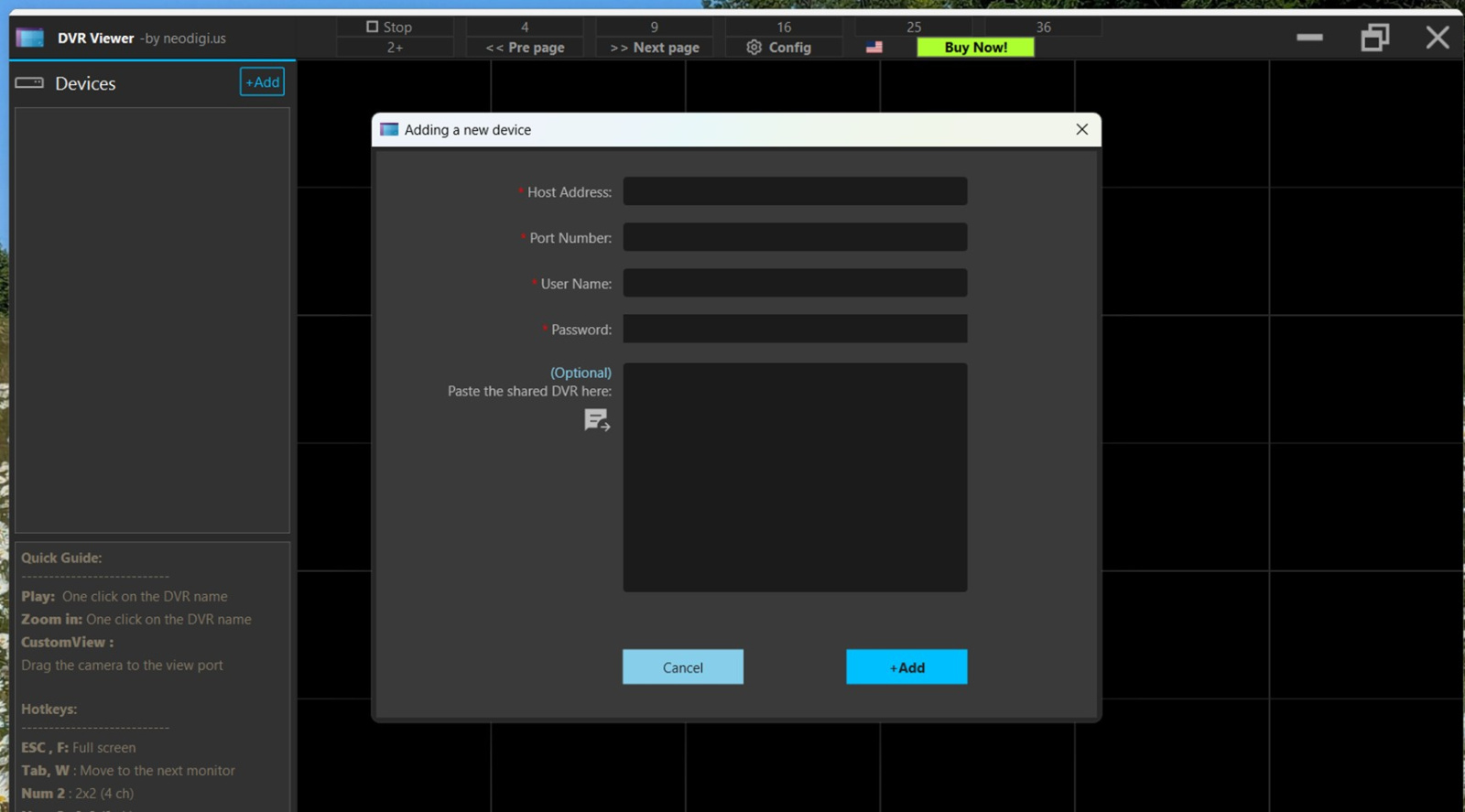
Where do I get that info?
Ta.
0
Comments
-
Maybe visible in a setting/setup type menu of the phone app as the app has discovered both the cams1


Confirm your email address to Create Threads and Reply

Categories
- All Categories
- 355.8K Banking & Borrowing
- 254.9K Reduce Debt & Boost Income
- 456.2K Spending & Discounts
- 248.3K Work, Benefits & Business
- 605.9K Mortgages, Homes & Bills
- 179K Life & Family
- 263.7K Travel & Transport
- 1.5M Hobbies & Leisure
- 16.2K Discuss & Feedback
- 37.7K Read-Only Boards