We’d like to remind Forumites to please avoid political debate on the Forum.
This is to keep it a safe and useful space for MoneySaving discussions. Threads that are – or become – political in nature may be removed in line with the Forum’s rules. Thank you for your understanding.
📨 Have you signed up to the Forum's new Email Digest yet? Get a selection of trending threads sent straight to your inbox daily, weekly or monthly!
The Forum now has a brand new text editor, adding a bunch of handy features to use when creating posts. Read more in our how-to guide
Acer aspire Hard Drive

aayush
Posts: 1,295 Forumite



in Techie Stuff
Hi am not able to use my desktop as get msg automatically
what is the issue as need pc for work and few persoml issues to sort not want reset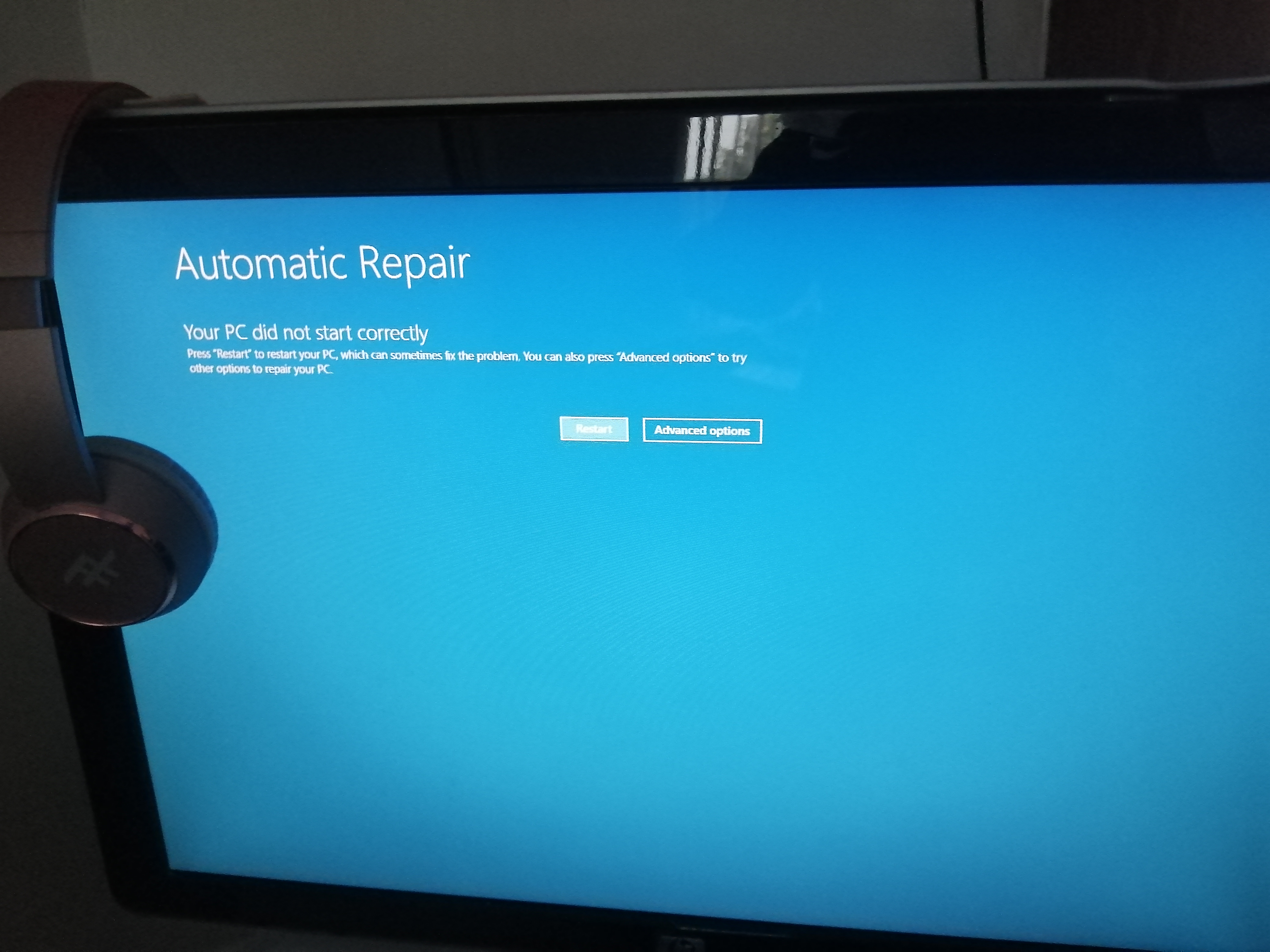 hat i
hat i
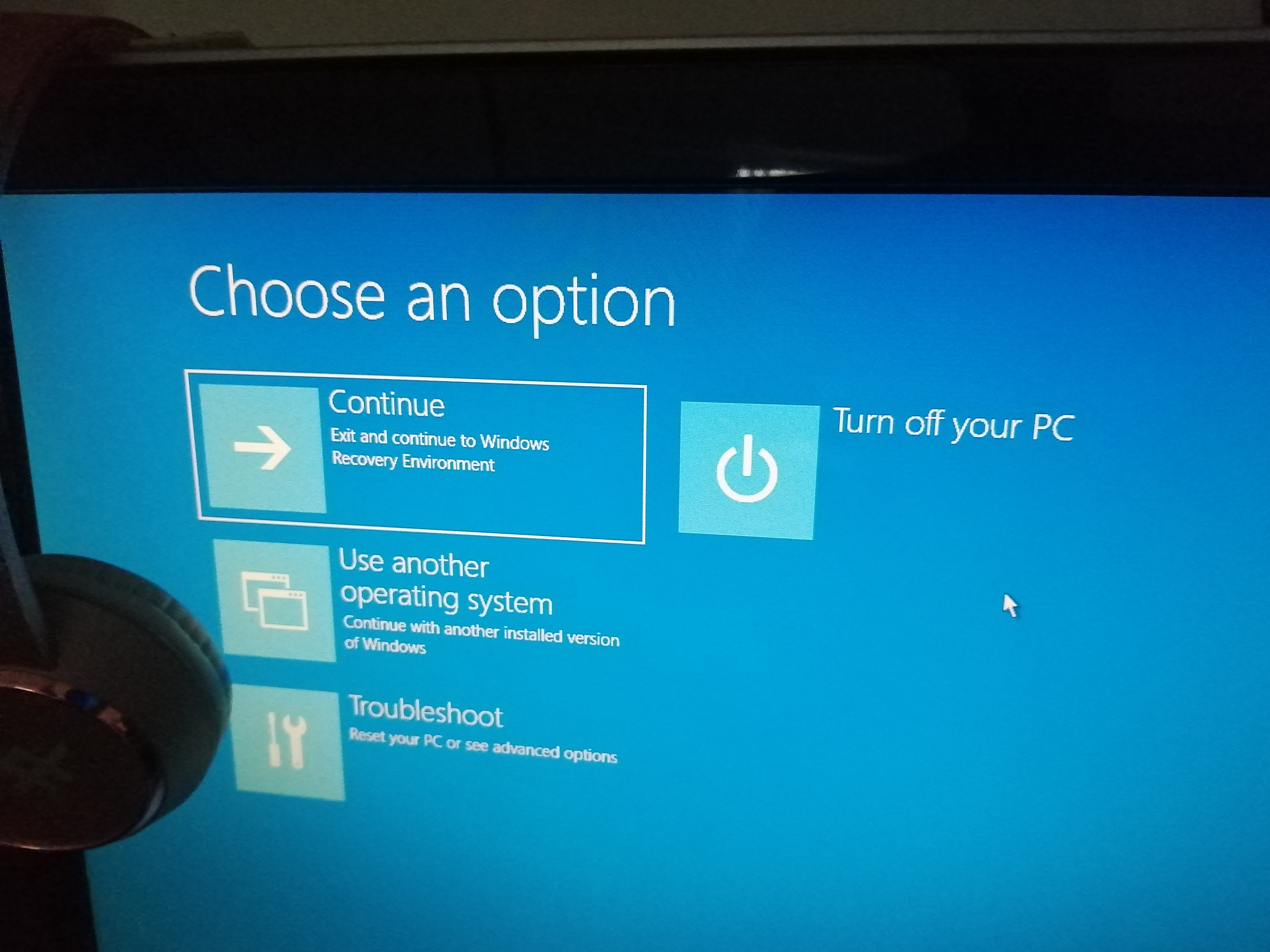
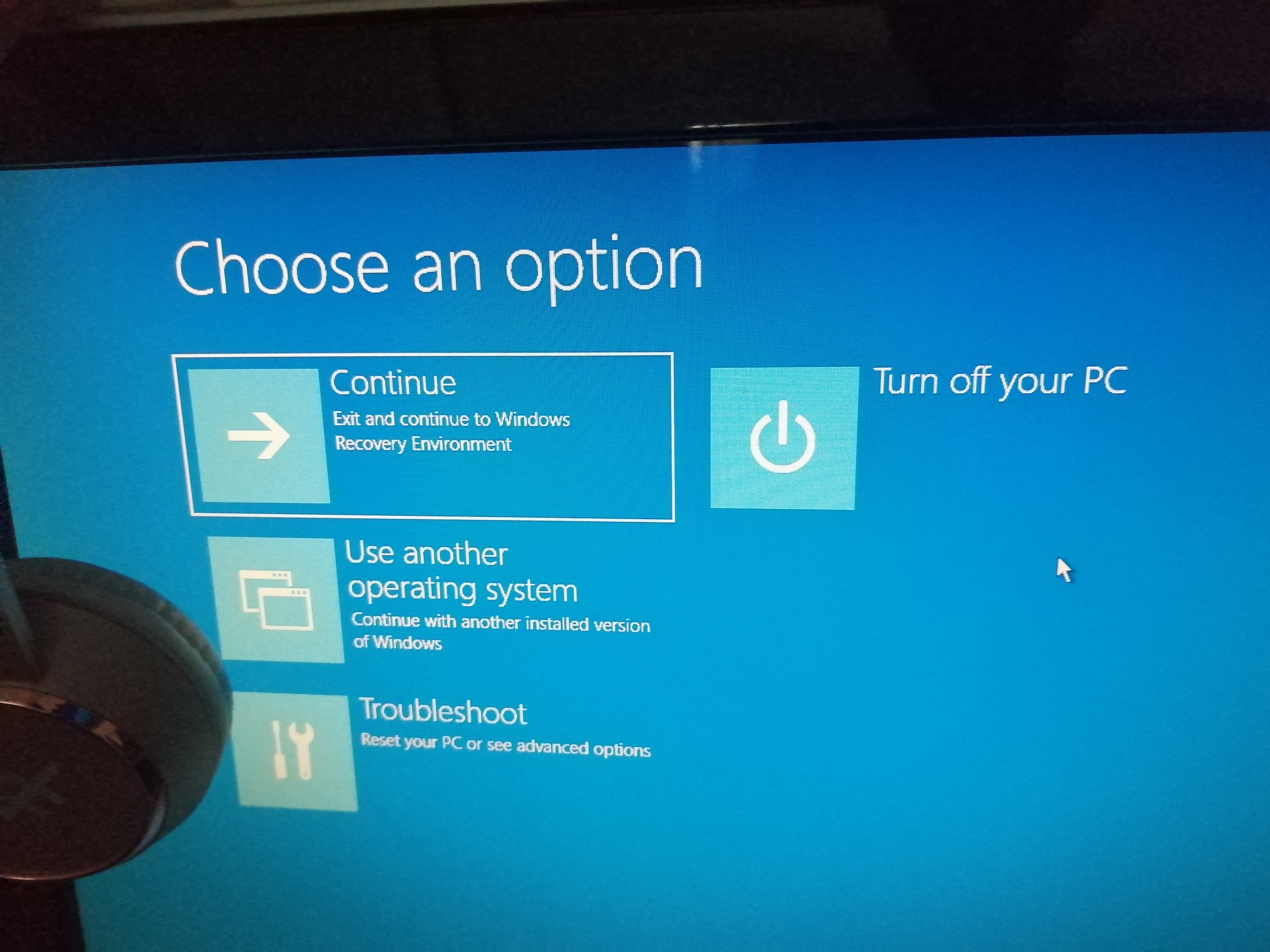
 repiar press re start
what is the issue as need pc for work and few persoml issues to sort not want reset
hat i repiar press re start 0
Comments
-
I'm guessing English is not your first language
You asking the impossible there could be a myriad of issues
Firstly can you boot into the bios/uefi (Press f10 or f12 or del when the pc starts depending on your model)
What is your pc and what windows?1 -
hI yes it is not my first but I write the way want to say thingcerebus said:I'm guessing English is not your first language
You asking the impossible there could be a myriad of issues
Firstly can you boot into the bios/uefi (Press f10 or f12 or del when the pc starts depending on your model)
What is your pc and what windows?
tried the above no change did get a message disk error that would take 1 hour then in a few minutes the same msg as per my photos
pc Acer aspire and think got windows ten
No issues till Monday thought if left for a day or would fixit self0 -
also get this msg as well
then back to the automatic repair message
0 -
It sounds like it's in the "Windows 10 auto repair loop."See here for possible fixes:I've had it a few times and ended up doing a complete re-install. Hope you have a backup.
I’m a Forum Ambassador and I support the Forum Team on the In My Home MoneySaving, Energy and Techie Stuff boards. If you need any help on these boards, do let me know. Please note that Ambassadors are not moderators. Any posts you spot in breach of the Forum Rules should be reported via the report button, or by emailing forumteam@moneysavingexpert.com.
All views are my own and not the official line of MoneySavingExpert.
1 -
Can I just clarify what's happened?
You got a hard drive error and now you always get to the windows recovery screens?1 -
"Reset and keep my files" should be an option.1
-
trying thisIt sounds like it's in the "Windows 10 auto repair loop."See here for possible fixes:I've had it a few times and ended up doing a complete re-install. Hope you have a backup.0



Confirm your email address to Create Threads and Reply

Categories
- All Categories
- 353.6K Banking & Borrowing
- 254.2K Reduce Debt & Boost Income
- 455.1K Spending & Discounts
- 246.7K Work, Benefits & Business
- 603.1K Mortgages, Homes & Bills
- 178.1K Life & Family
- 260.7K Travel & Transport
- 1.5M Hobbies & Leisure
- 16K Discuss & Feedback
- 37.7K Read-Only Boards