We’d like to remind Forumites to please avoid political debate on the Forum.
This is to keep it a safe and useful space for MoneySaving discussions. Threads that are – or become – political in nature may be removed in line with the Forum’s rules. Thank you for your understanding.
📨 Have you signed up to the Forum's new Email Digest yet? Get a selection of trending threads sent straight to your inbox daily, weekly or monthly!
The Forum now has a brand new text editor, adding a bunch of handy features to use when creating posts. Read more in our how-to guide
Upgrading RBS/NatWest Accounts - Need Photo ID?

woodface7
Posts: 153 Forumite



I haven't upgraded a Nat West or RBS current account for five years, but would like to change from their Select to a Rewards account. (No overdraft required btw).
It seems to upgrade now you may need to apply almost as if you were a new customer. Online guidance suggests applicants have to snap / scan ID & take a selfie. Might that only apply to newbies or those seeking credit?
Wouldn't be a problem if I could find my passport and I don't relish forking out £75 to replace if I can avoid it. I haven't got a driving licence or other ID proof.
So anyone done this recently? Do upgrades when you are an existing RBS/NW customer now require the photo ID stuff?
All the major banks I've joined established your ID by checking your typed-in info against databases, but maybe they've joined the challenger banks in using 'mobile snap security' every time?
0
Comments
-
I upgraded my Nawest account from Select to Reward recently and don't remember having to upload photo ID

1 -
I think it will depend on what ID they already hold for you.
If they already hold sufficient ID from a previous application or they can verify you electronically from electoral roll date you may not to provide ID now.
I suppose the only way to find out is to apply.1 -
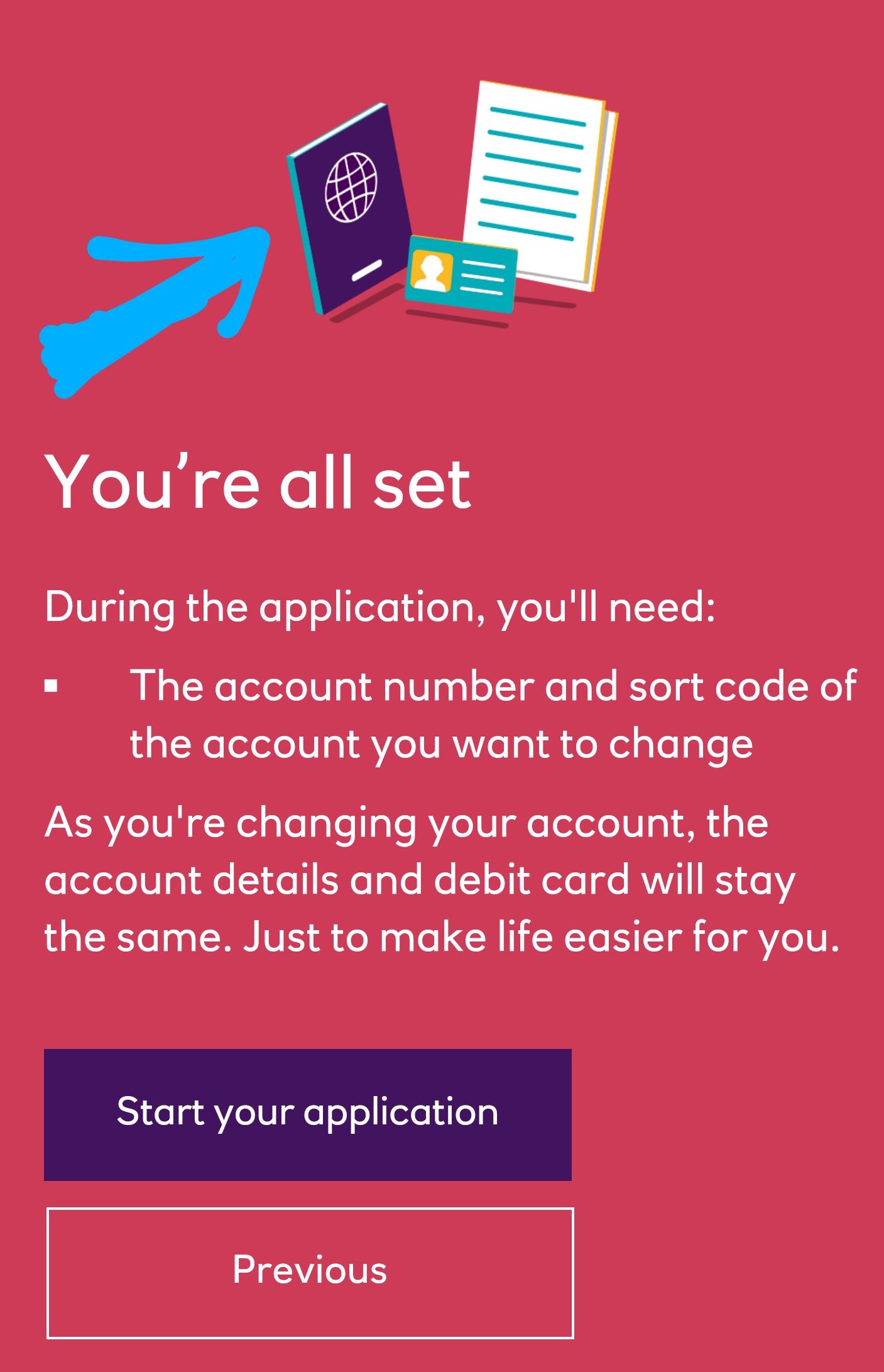
Thanks. Though it doesn't tell you to have your docs ready, this image from the start of the application doesn't look hopeful :-(
0 -
That to me seems like a generic image - give it a go and see.0
-
Yes - I'll try it today.1
-
I've been an RBS customer for 10 years and they requested my ID for the same upgrade - it was a frustrating process as the AI didn't recognise my ID several times and eventually I was asked to go to the Branch. This was in May therefore during lockdown so I gave up.ally.0
-
When I upgraded with RBS to the rewards account, once I had logged in it had pre-filled most of the information in the form from what they held on file. On clicking submit button and the page refreshing it was done, it literally took two seconds.
Some may be required to provide ID, I think it would depend on what they have on you already I guess but certainly not everyone.1 -
Upgraded! No ID or even income questions - just name, address, phone, account number. App now showing switch done within hours. Great stuff.
Now off to find that poxy passport in case we ever get to travel again. I think I hid it 'somewhere that no-one would think to look'...2 -
I upgraded mine yesterday, this morning it shows as the new account, sadly after my DDs came out, but I still have another two later in the month.
Should have done it ages ago as I've missed out on £3 a month for doing what I do anyway. Free money is always good!
Also wasn't asked for ID, thankfully as I've not got much yet because of recently moving and nowhere near a NW branch. Must send my licence off.
Thanks to @woodface7 for giving me the push to do it 😁Mortgage started 2020, aiming to clear 31/12/2029.1







Confirm your email address to Create Threads and Reply

Categories
- All Categories
- 354.3K Banking & Borrowing
- 254.4K Reduce Debt & Boost Income
- 455.4K Spending & Discounts
- 247.2K Work, Benefits & Business
- 603.9K Mortgages, Homes & Bills
- 178.4K Life & Family
- 261.4K Travel & Transport
- 1.5M Hobbies & Leisure
- 16.1K Discuss & Feedback
- 37.7K Read-Only Boards